15
Alert Codes and Troubleshooting
Alert Code Types
To expand a specication notication to access a more detail description of the alert code, press the down arrow to expand the description.
• Service Urgent alerts are displayed on Home (user) screen under the homeowner and installer alert buttons. Service Urgent means that a service
call is needed to get the system running.
• Service Soon / Service Urgent means that the system will likely recover on its own and no interaction is necessary. Typically, either after a specic
timer period or a specic number of instances, some Service Soon alerts will escalate to Service Urgent.
• Service Soon alerts are found only in under the installer alert button.
• Information Only-Dealer is information only and helps Lennox interpret test results and understand complicated behaviors. Information Only are
not reported to homeowner or dealer.
Communication System: When communication controls are operating in a communication system, all jumper and link setting on controls are ignored.
Jumpers and link setting are treated as defaults and would only be active if the system was converted to a non-communicating system.
Error codes are transmitted to the thermostat. No codes are stored in the EIM.
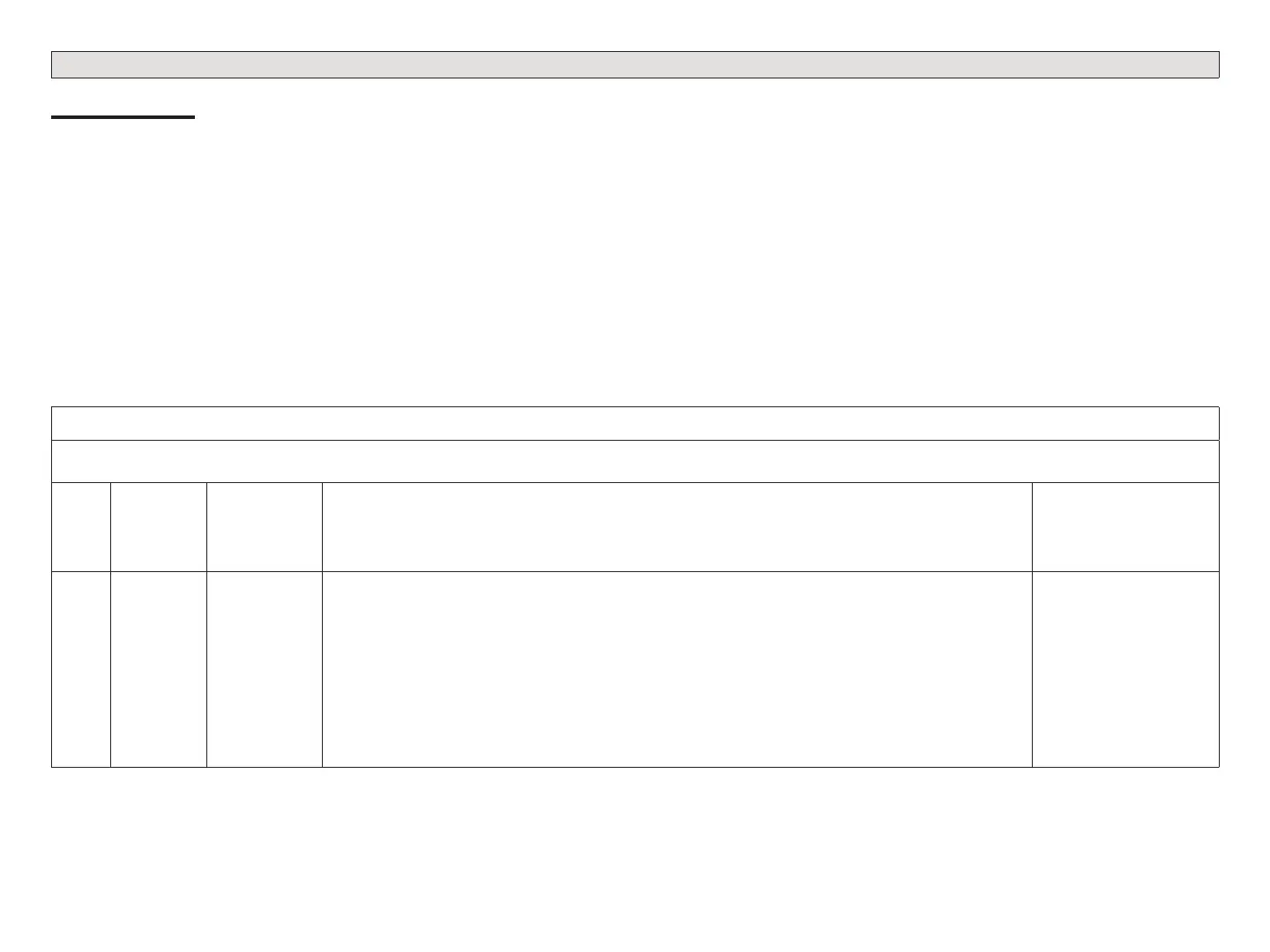
Table 1. Alert Codes and Troubleshooting
GF= Gas Furnace, AH=Air Handler, ID=Indoor unit (GF or AH), HP=Heat Pump, AC=Air Conditioner, OD=Outdoor Unit (AC or HP), PA=Pure Air S, ZA=Zone system and
TS=Thermostat
Alert
Code
Priority
Condition
Actual Displayed
Alert Text
Under dealer
control center >
Notications
Component or System Operational State and Troubleshooting Tip
How to clear
alert code
10
Service
Urgent
Unknown
Device Detected
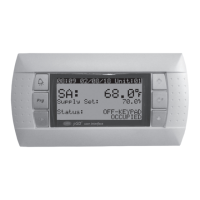
The thermostat when NOT in conguration mode has detected an unknown device. Typically the thermostat will
send a command to the unknown device and place the device into a soft disable state. The soft disable control
will indicate so as follows:
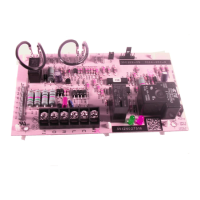
On air handler, furnace and outdoor controls, the soft-disabled state is displayed by double horizontal lines on
seven-segment display.
On the damper control module, the green LED will ash 3 seconds on and 1 second o.
On the equipment interface module, the green LED will ash 3 seconds on and 1 second o.
A new communicating device has been added to the system since the original conguration setup was completed.
Go to menu > settings > advanced settings > view dealer control center > equipment and press reset all
equipment. This will allow the system to auto-detect any Lennox communicating devices attached.
Clear alert code by
reconguring the system.


 To Next Page