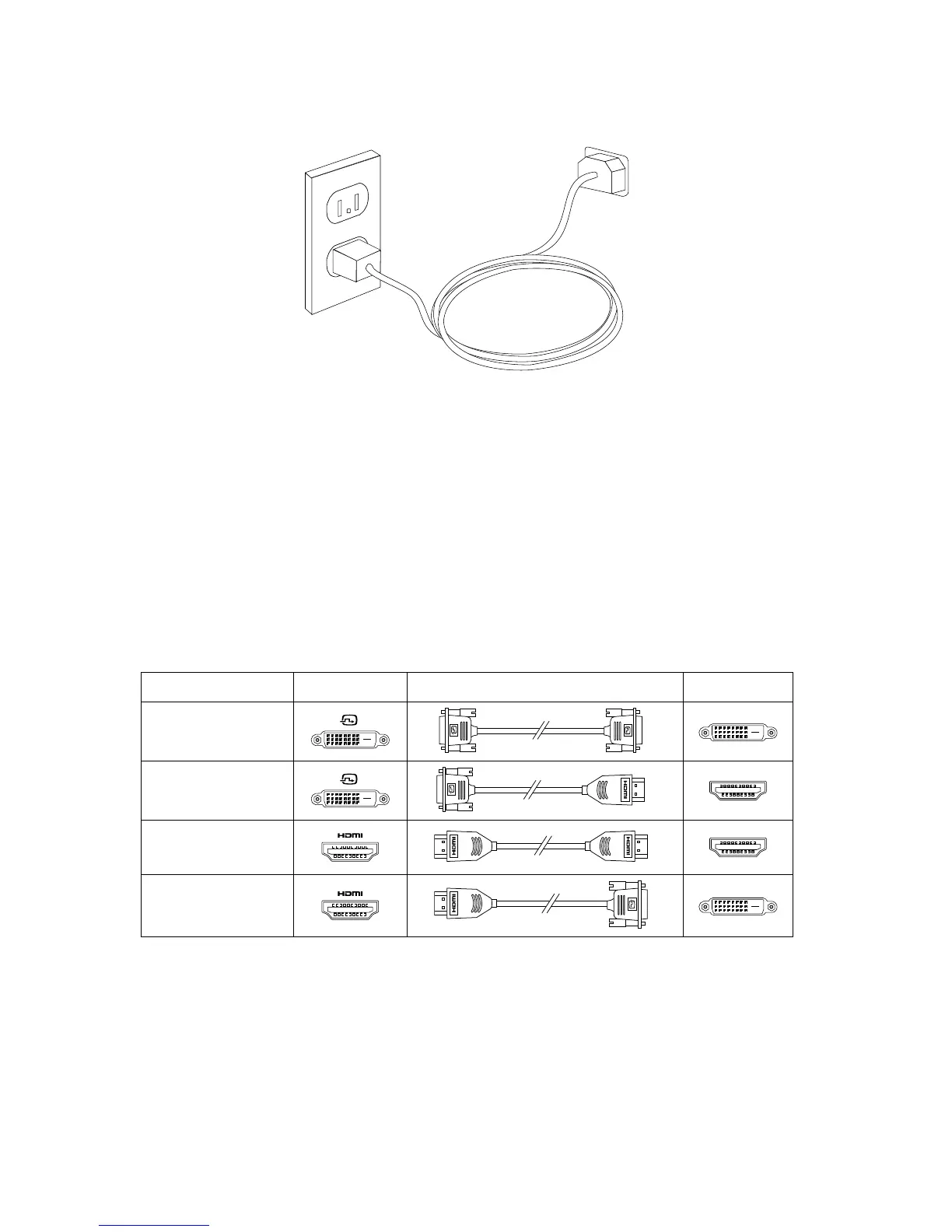
Connecting the power cord
How to play Blu-ray Discs (selected models
only)
Check the connectors available on your computer and display and select an
appropriate cable according to the table below. Other types of cables do not meet
the requirements of the Blu-ray standard.
You need to purchase the cable separately if the computer is not equipped with
the corresponding cable.
This table will help you to identify the connectors on your computer and display.
Connection Type Computer Cable Display
DVI to DVI
(DVI cable)


 To Next Page