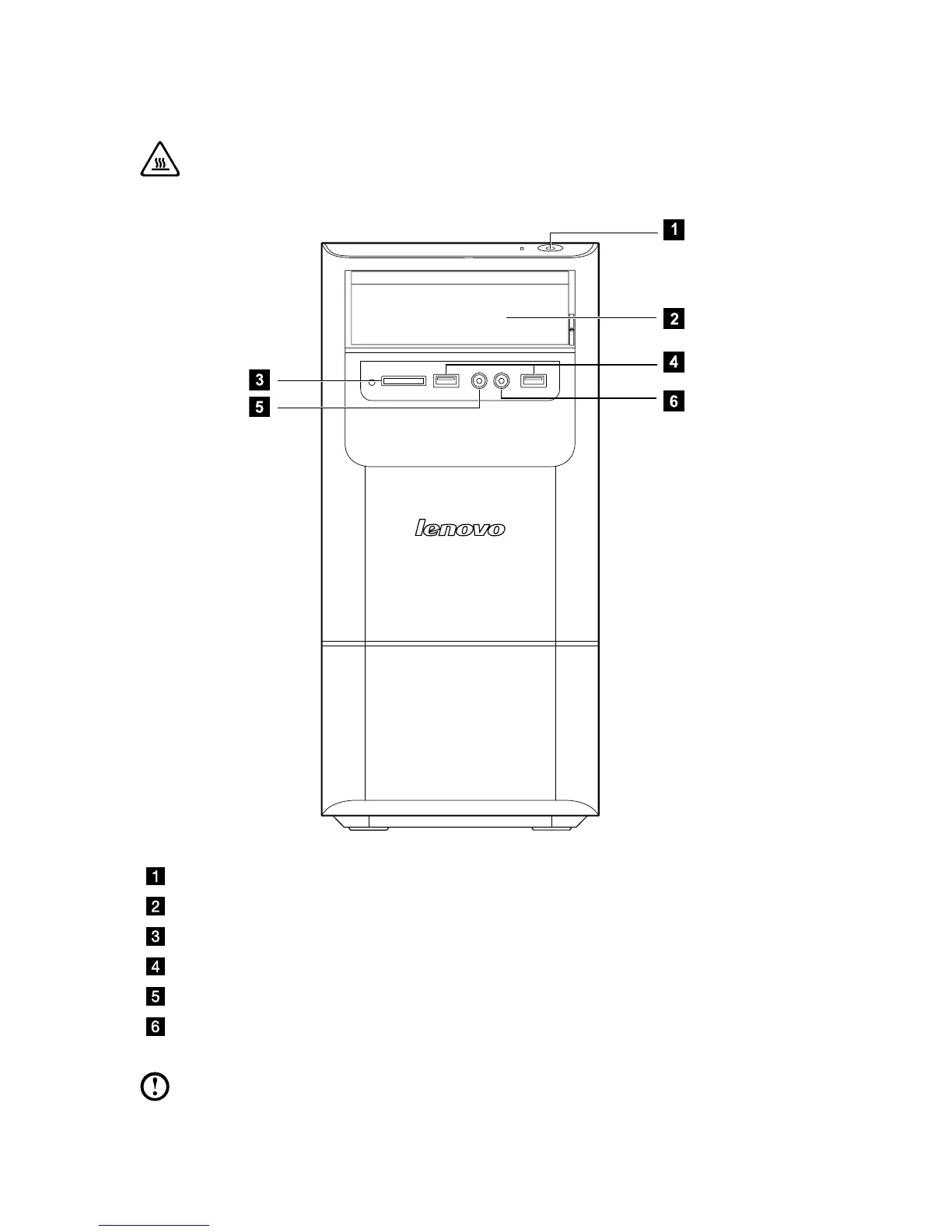
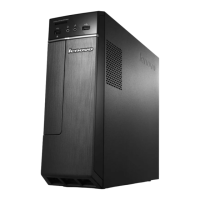
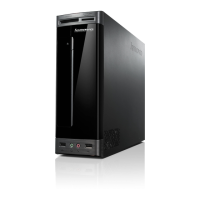
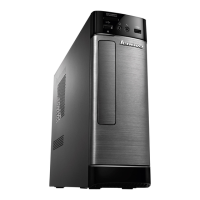
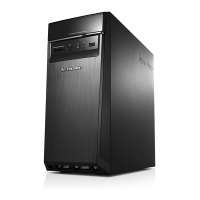
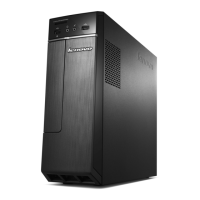
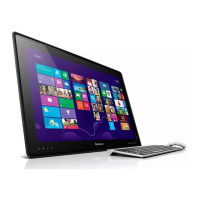
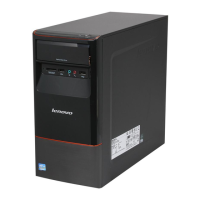
Front view of the chassis
Attention: Be sure not to block any air vents on the computer. Blocked
air vents can cause thermal problems.
Power button
Optical Drive (selected models only)
Memory card reader (selected models only)
USB connector (2)
Headphone connector
Microphone connector
Note: This computer only can be placed in a vertical position.


 To Next Page