Lenovo IdeaPad U310/U410 Hardware Maintenance Manual
42
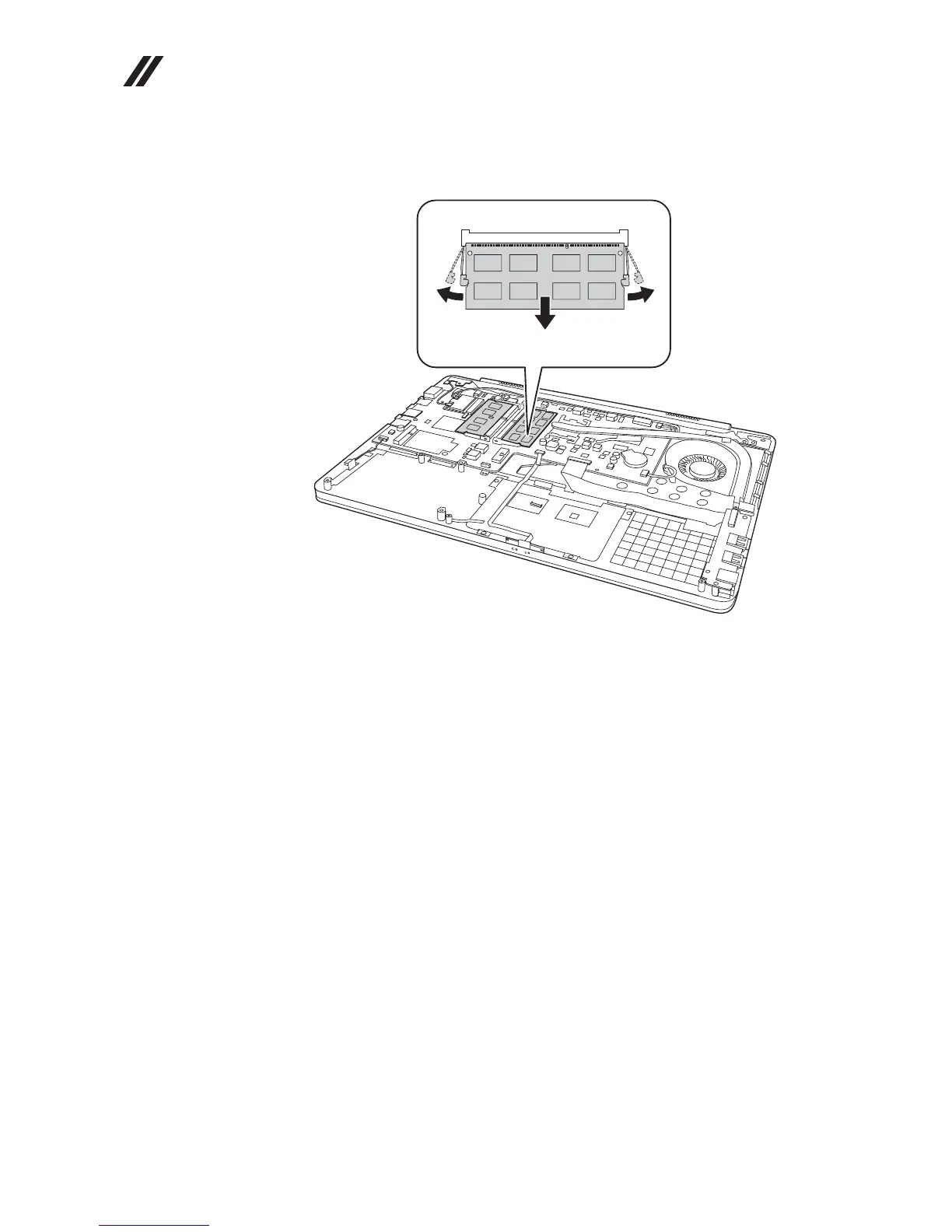
Figure 4. Removal steps of DIMM (continued)
U410:
When installing: Insert the notched end of the DIMM into the socket. Push the
DIMM firmly, and pivot it until it snaps into the place. Make sure that it is firmly
fixed in the slot and difficult to be moved.
aa
b









 To Next Page