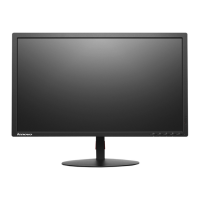
Setting up your monitor
This section provides information on how to set up your monitor.
Connecting and turning on your monitor
Note: Be sure to read the Safety information on page iii before carrying out this procedure.
1. Power off your computer and all attached devices, then unplug the computer power cord.
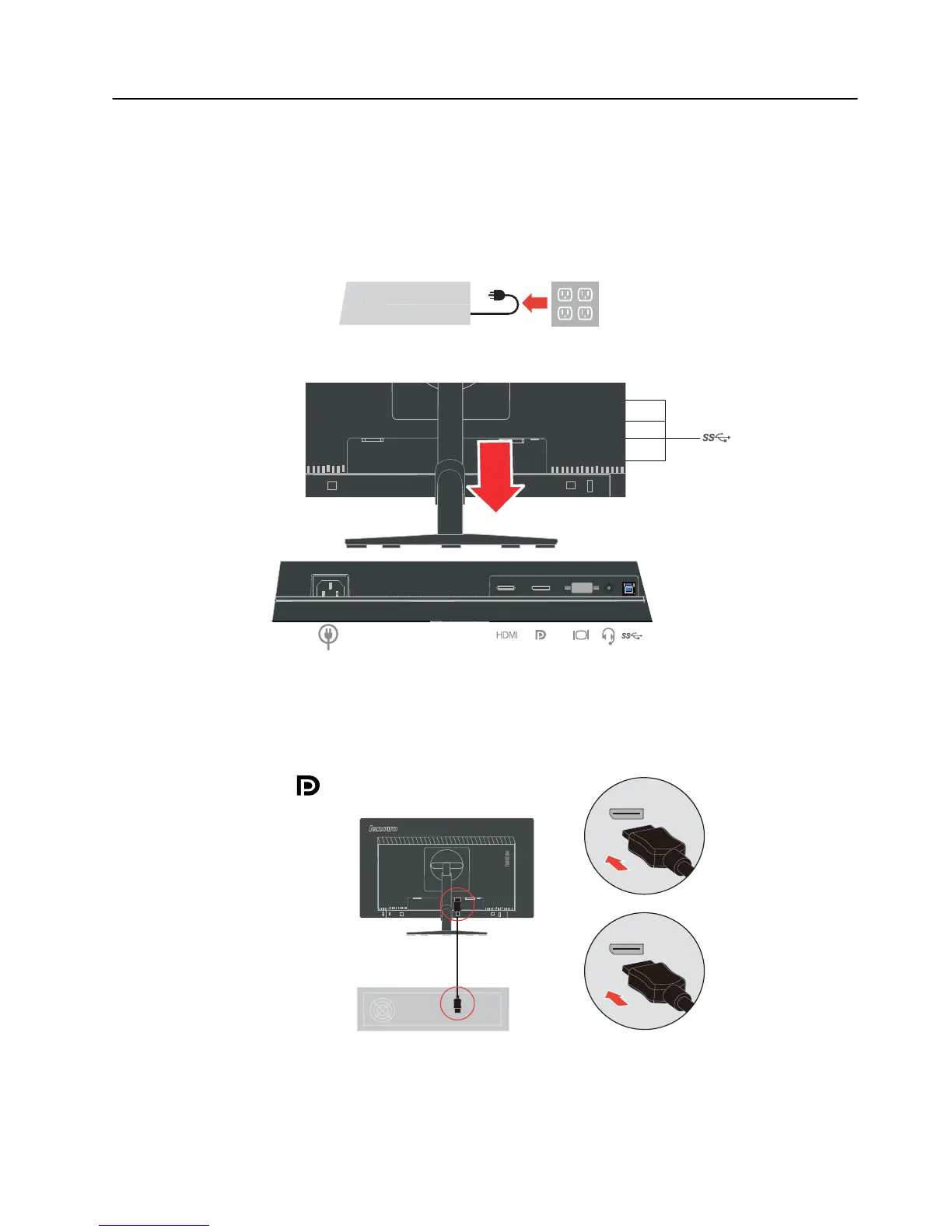
2. Connect the cables according to below icon indication.
3. Connect one end of the DP cable to the DP connector on the back of the computer, and the
other end to the DP connector on the monitor. Lenovo recommends that customers who
require to use the Display Port input on their monitor purchase the "Lenovo Display Port
to Display Port cable 0A36537".
www.lenovo.com/support/monitoraccessories
Chapter 1. 1-6


 To Next Page
 Loading...