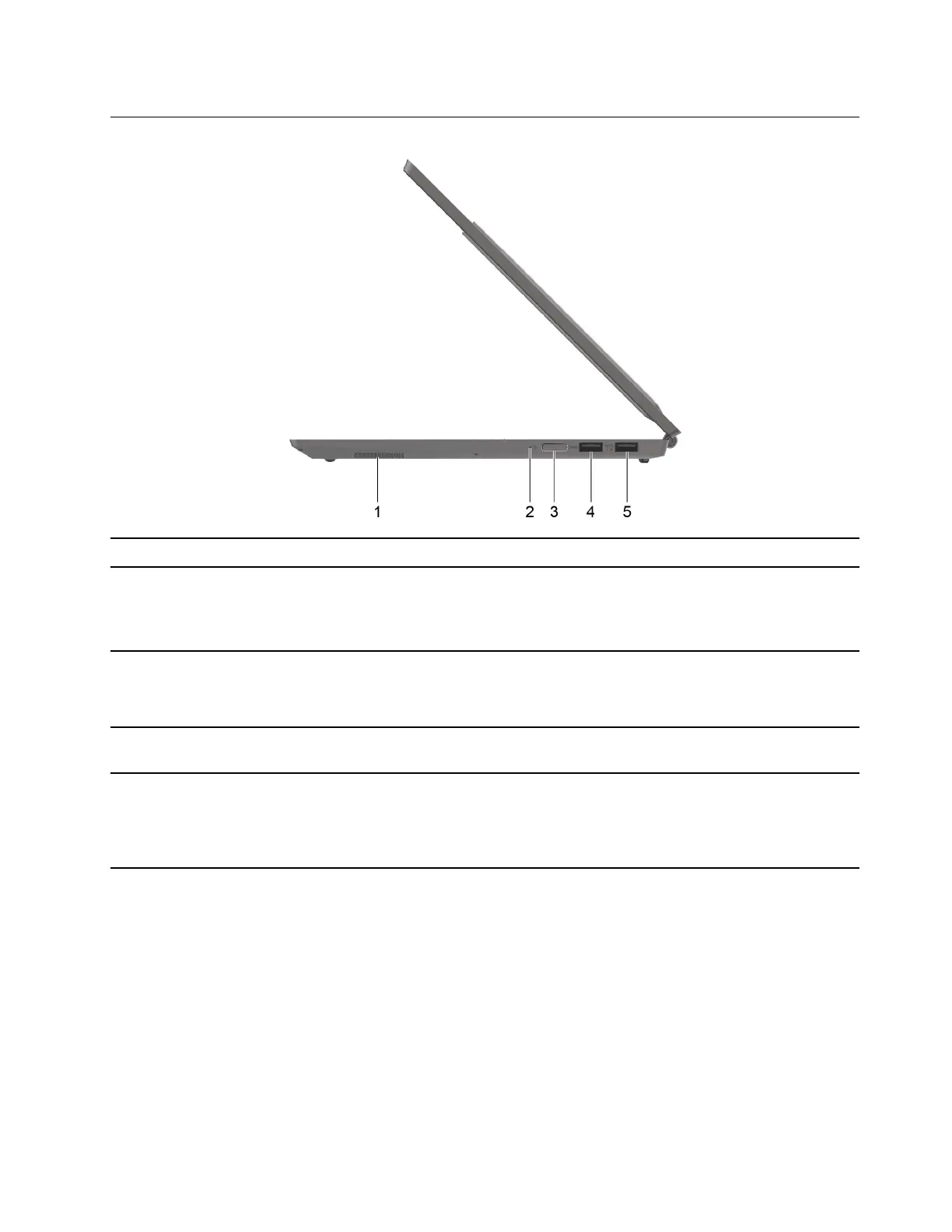
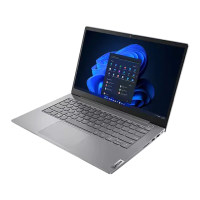
Right
1. Speaker
Produce sound.
2. Power light
• On: The computer is turned on.
• Off: The computer is turned off or in hibernation mode.
• Blinking: The computer is in sleep mode.
3. Power button/Fingerprint reader
• Press the button to turn on the computer or put the computer into
sleep mode.
• Enroll and read your fingerprint for user authentication.
4. USB (3.2 Gen 1) Type-A connector Connect a USB-compatible device, such as a USB keyboard, a USB
mouse, a USB storage device, or a USB printer.
5. USB (3.2 Gen 1) Type-A connector
(always-on)
The always-on connector can charge external devices when the
computer is turned off, in sleep or hibernation mode. The always-on
function can be turned on or off in the UEFI/BIOS setup utility.
Note: If Lenovo Vantage is pre-installed on your computer, you can
also set always-on function from within that software.
Chapter 1. Meet your computer 5




 To Next Page