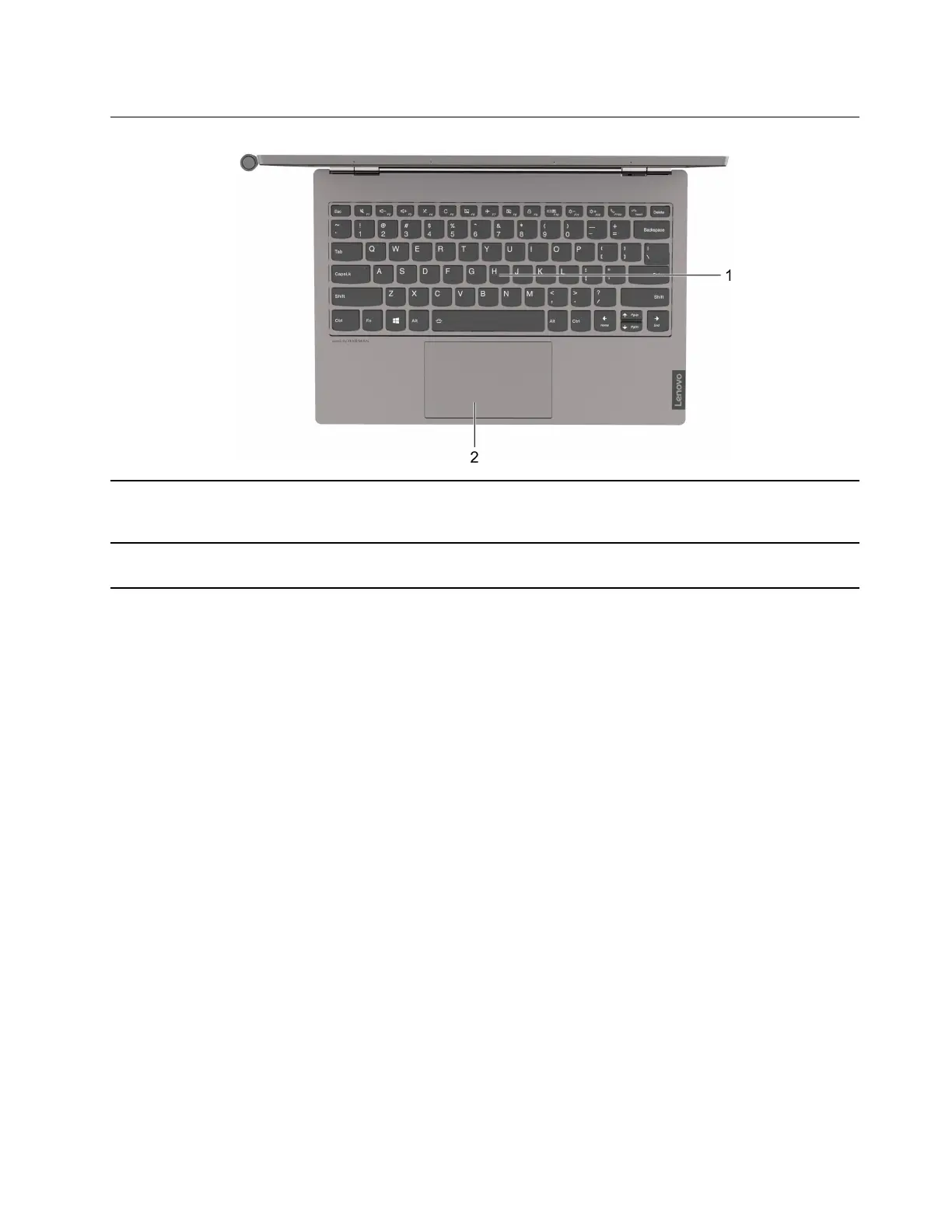
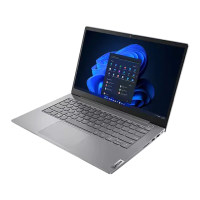
Base
1. Keyboard Enter characters and interact with programs.
Note: The keyboard also includes hotkeys and function keys for
changing settings and performing tasks quickly.
2. Touchpad Perform finger touch and all the functions of a traditional mouse.
Note: The touchpad also supports multi-touch function.
Chapter 1. Meet your computer 3




 To Next Page