Chapter 1. Meet your computer
Top
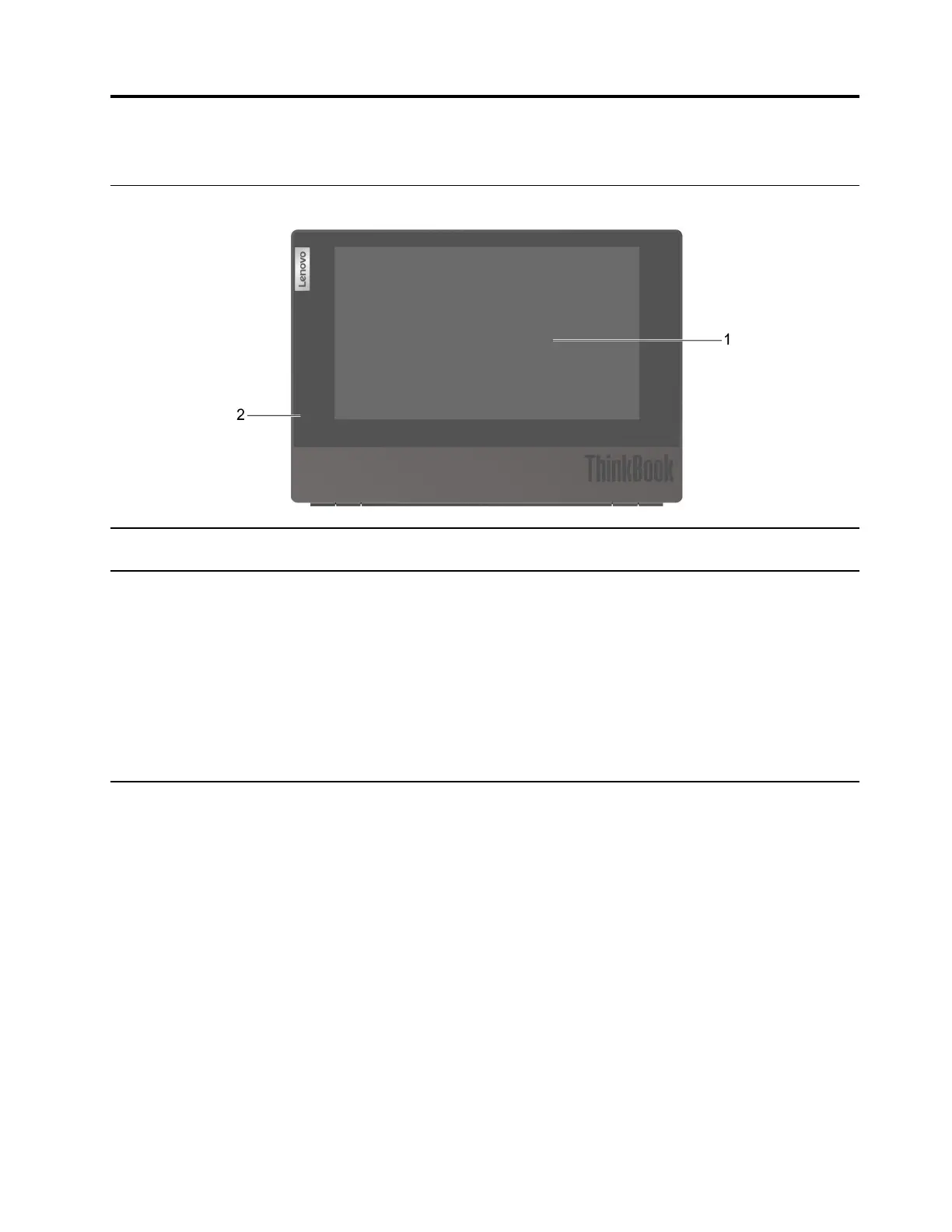
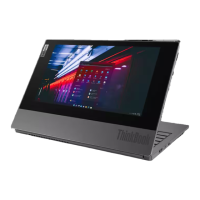
1. E Ink touch screen Take notes, sketch or read content. The screen supports touch
function.
2. Fingerprint reader light
• Enroll your fingerprint
– Blinking (for two seconds) and then solid white: The fingerprint
reader is ready to enroll your fingerprint.
– Off: Fingerprint enrolling is successful.
• Sign-in with fingerprint
– Blinking white: The fingerprint reader is ready.
– Blinking amber: The fingerprint scan has failed.
– Off: The fingerprint scan is successful or the fingerprint reader is
not in use.
© Copyright Lenovo 2020 1




 To Next Page