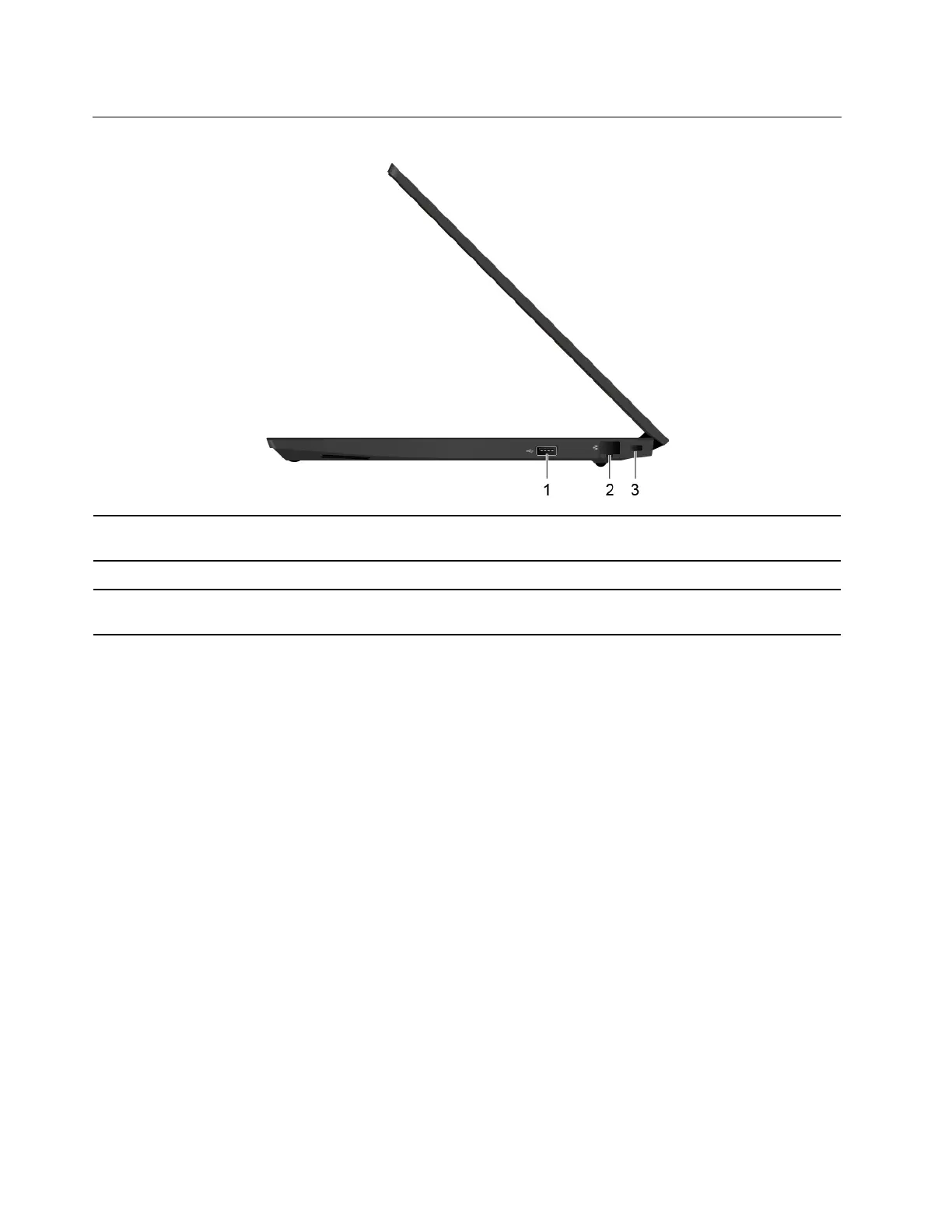
Right
1. USB 2.0 connector
Connect a USB-compatible device, such as a USB keyboard, USB mouse, USB
storage device, or USB printer.
2. Ethernet connector
Connect to a local area network (LAN).
3. Security-lock slot
Lock your computer to a desk, table, or other fixtures through a compatible
security cable lock. See “Lock the computer” on page 25.
6 E14/R14/E15/S3 Gen 2 User Guide















 To Next Page