Chapter 1. Meet your computer
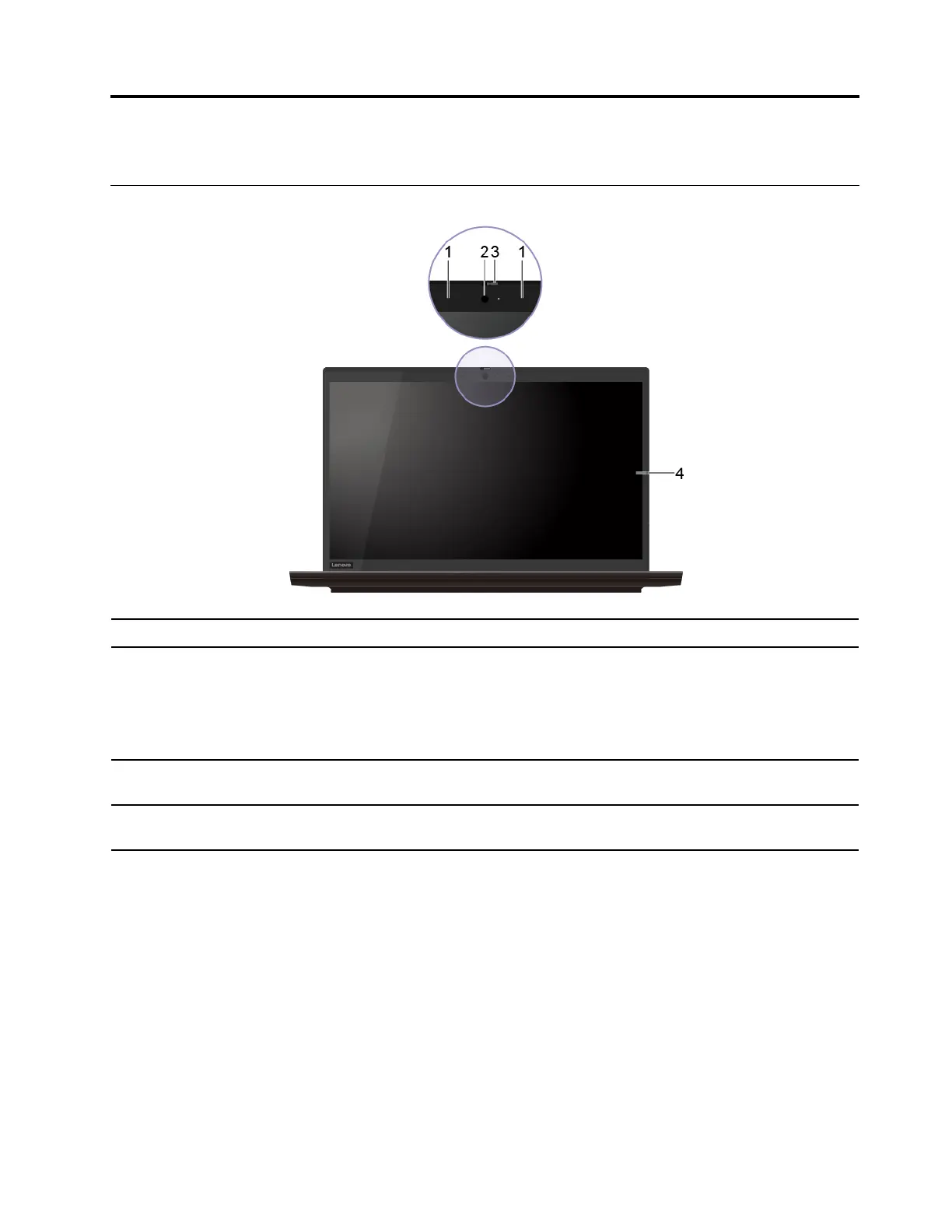
Front
1. Microphones Capture or record sound.
2. Camera
Take pictures or record videos by clicking Camera from the Start menu. The
indicator next to the camera is on when the camera is in use.
If you use other apps that support photographing, video chatting, and video
conference, the camera starts automatically when you enable the camera-
required feature from the app.
3. ThinkShutter*
Slide ThinkShutter to cover or uncover the camera lens. It is designed to protect
your privacy.
4. Screen
User the full high definition (FHD) display to enhance your visual experience when
you watch movies, browse the Web, and so on.
* for selected models
© Copyright Lenovo 2020 1















 To Next Page