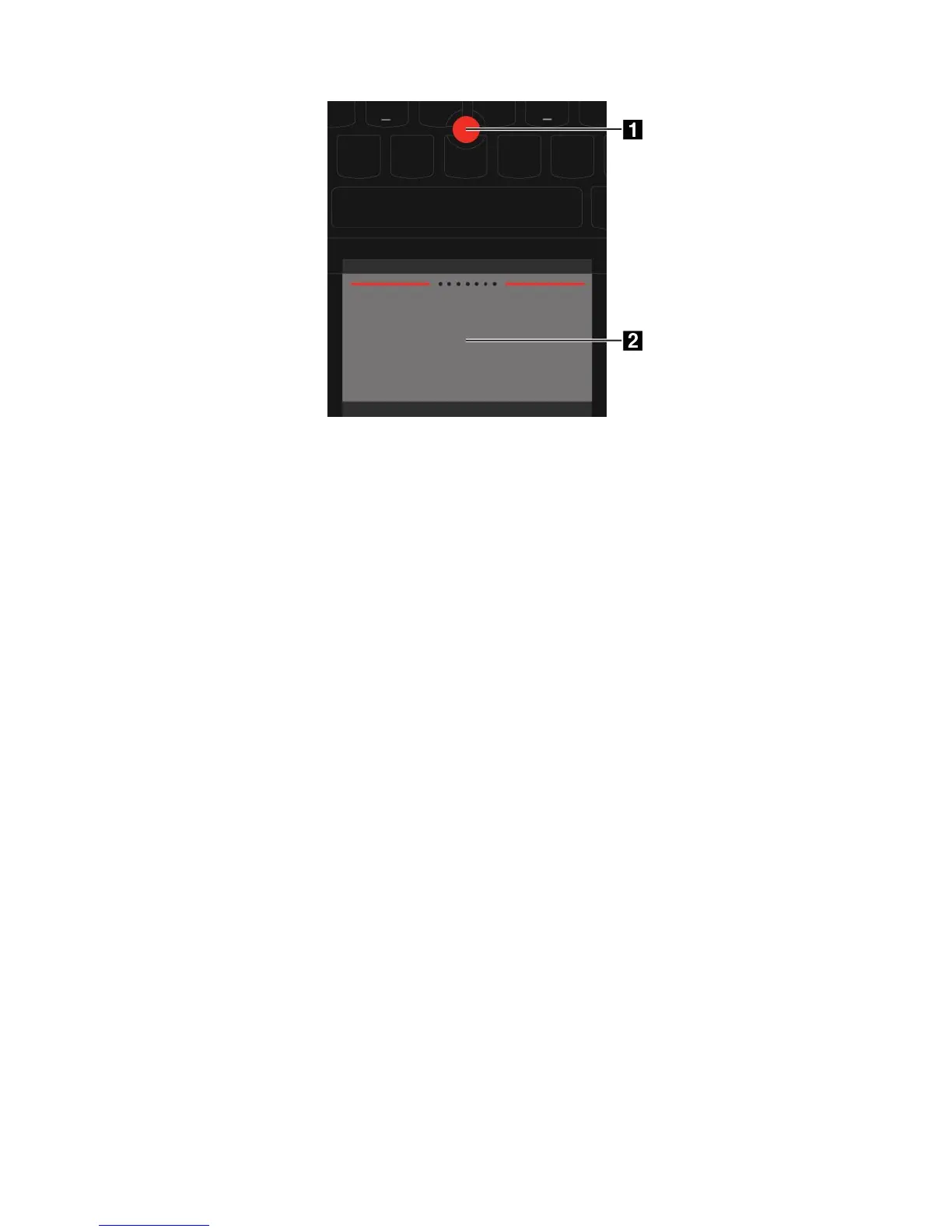
UsingtheThinkPadpointingdevice
Dependingonyourpreference,youcanusetheThinkPadpointingdeviceinoneofthefollowingmodes:
•TrackPointmode
•Trackpadmode
•ClassicTrackPointmode
TochangeamodefortheThinkPadpointingdevice,see“CustomizingtheThinkPadpointingdevice”
onpage28
.
Note:Bydefault,TrackPointmodeandTrackpadmodearebothenabled.Youcanuseeitheroneofthem.
TrackPointmode
InTrackPointmode,usethepointingsticktomovethepointer,andusethetrackpadtoperformother
actionssuchasleft-clicking,right-clicking,andscrolling.Youalsocanusethetrackpadtoperforma
varietyoftouchgestures.
Forhowtousethetouchgestures,see“Usingthetrackpadtouchgestures”onpage27
.
Chapter2.Usingyourcomputer25














 To Next Page