4Memory-upgradeslot
Youcanincreasetheamountofmemoryinyourcomputerbyinstallingamemorymoduleinthe
memory-upgradeslot.MemorymodulesareavailableasoptionsfromLenovo.
5Harddiskdriveorsolid-statedrive
Yourcomputermighthavealarge-capacity,customer-upgradableharddiskdriveorsolid-statedrivethat
canmeetavarietyofstoragedemands.
Note:Thehiddenservicepartitionisthereasonwhythereislessfreespacethanexpectedonyourhard
diskdriveorsolid-statedrive.
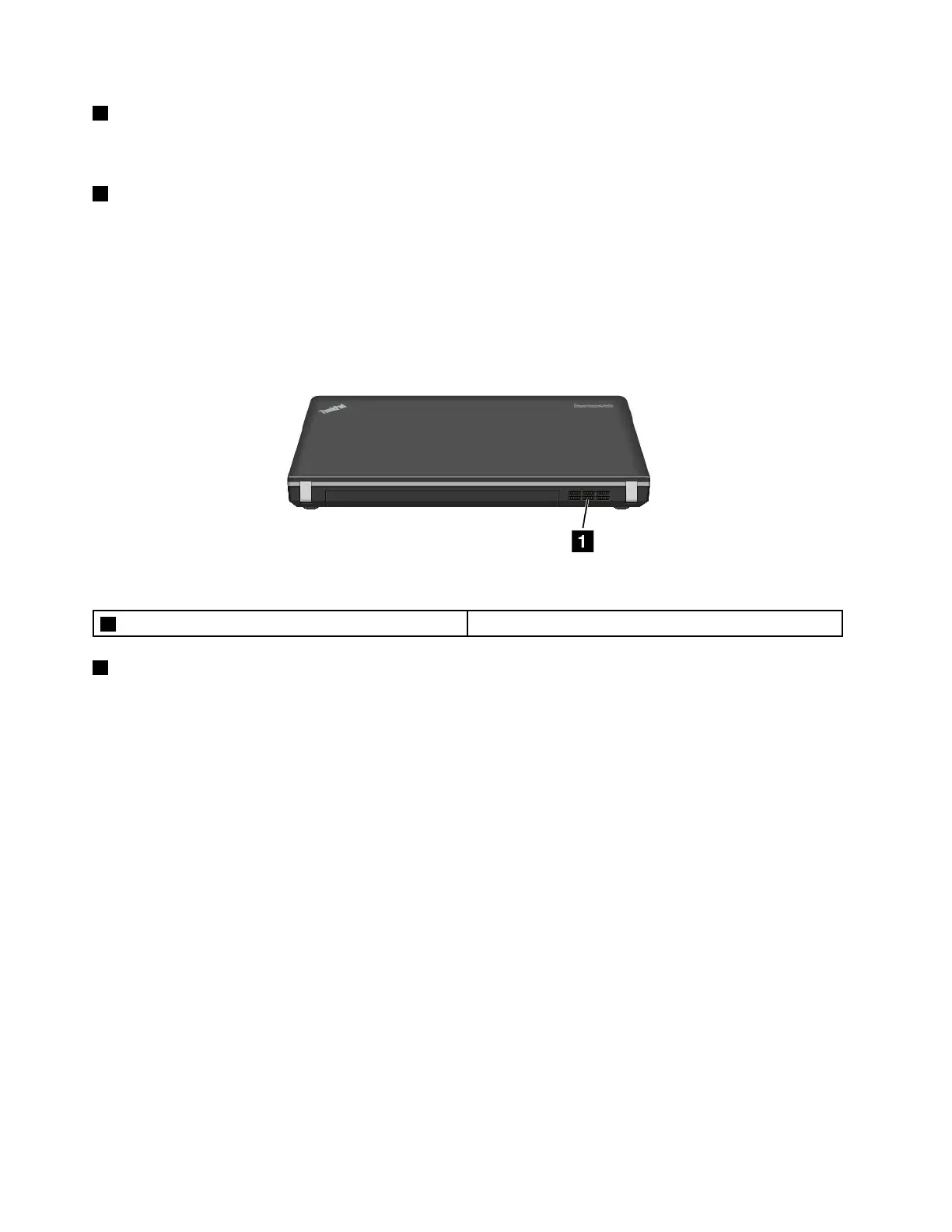
Rearview
Figure7.ThinkPadEdgeE431andE531rearview
1Fanlouvers(rear)
1Fanlouvers(rear)
Theinternalfanandlouversenableairtocirculateinthecomputerandcoolthecentralprocessor.
Note:Toavoidimpedingairow,donotplaceanyobstacleinfrontofthefan.
Statusindicators
Yourcomputerhasseveralstatusindicatorsshowingthestatusofyourcomputer.
Note:Yourcomputerkeyboardmightlookdifferentfromthefollowingillustration.
10UserGuide












 To Next Page