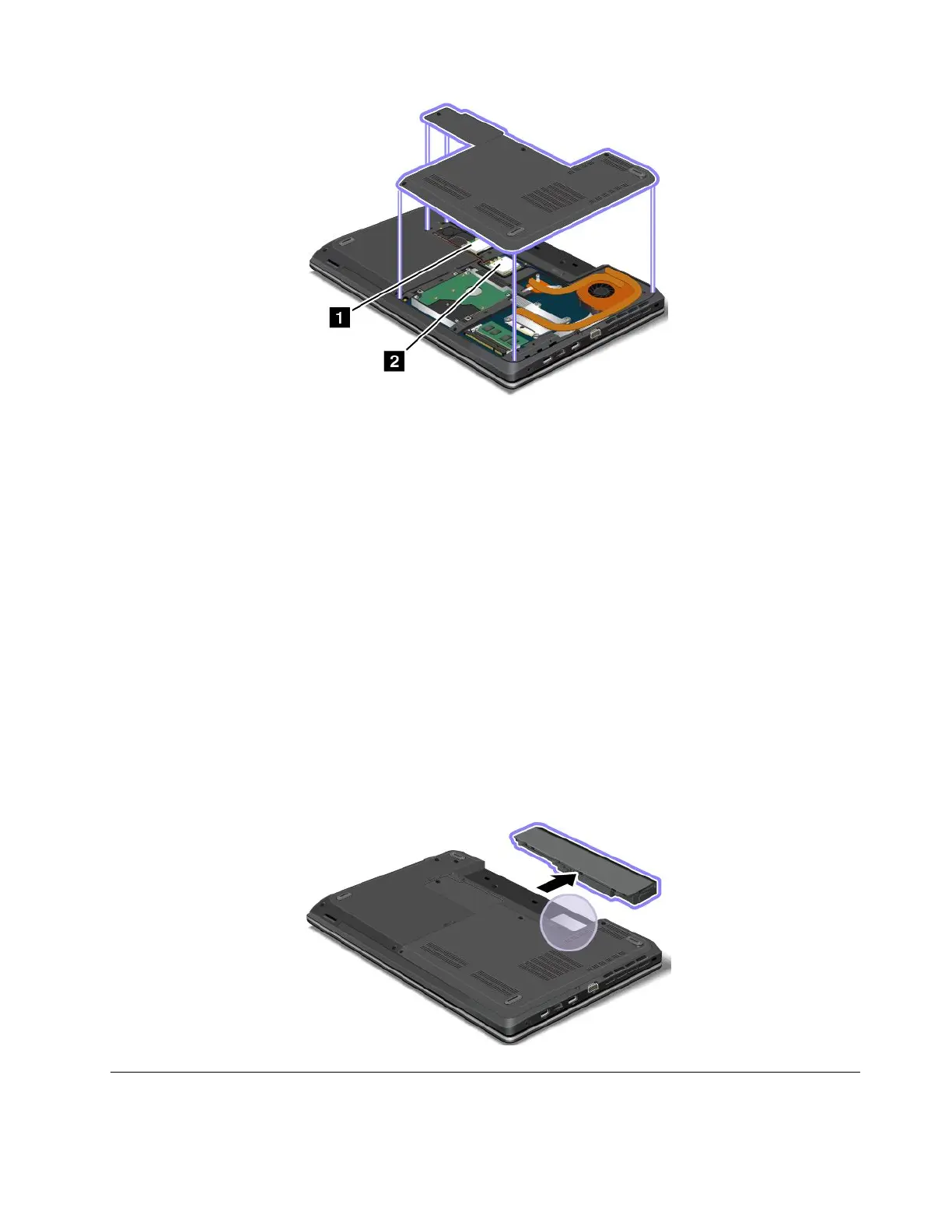
IfyouneedtoremovethewirelessLANcardforrepairorreplacement,followtheprocedurein“Replacinga
wirelessLANcard”onpage89.
IfyouhavepurchasedawirelessWANenabledcomputer,thewirelessWANcardispreinstalledatthe
factory.Ifyouneedtoremovethiscardforrepairorreplacement,followtheprocedurein“Replacinga
wirelessWANcard”onpage92.
Note:OnlyLenovoauthorizedwirelessLANorwirelessWANcardsareallowedtobeusedinyourcomputer.
Ifyouinstallanunauthorizedcardthatisnotapprovedforuseinyourcomputer,thecomputerwillnotstart,
butwillonlydisplayanerrormessageandemitaudiblebeeps.
CerticateofAuthenticitylabel
TheCerticateofAuthenticitylabelforthepreinstalledoperatingsystemisattached.Printedonthislabelare
theproductIDandtheproductkeyinformationforyourcomputer.Recordthisinformationandkeepitina
safeplace.Youmightneedthesenumberstostartyourcomputerorreinstalltheoperatingsystem.
TheCerticateofAuthenticitylabelappliesonlytocomputerspreinstalledwiththeWindows7operating
system.
TheCerticateofAuthenticitylabelofyourcomputerisshownasbelow:
Features
Thistopicliststhefeaturesofyourcomputer.
Chapter1.Productoverview13












 To Next Page