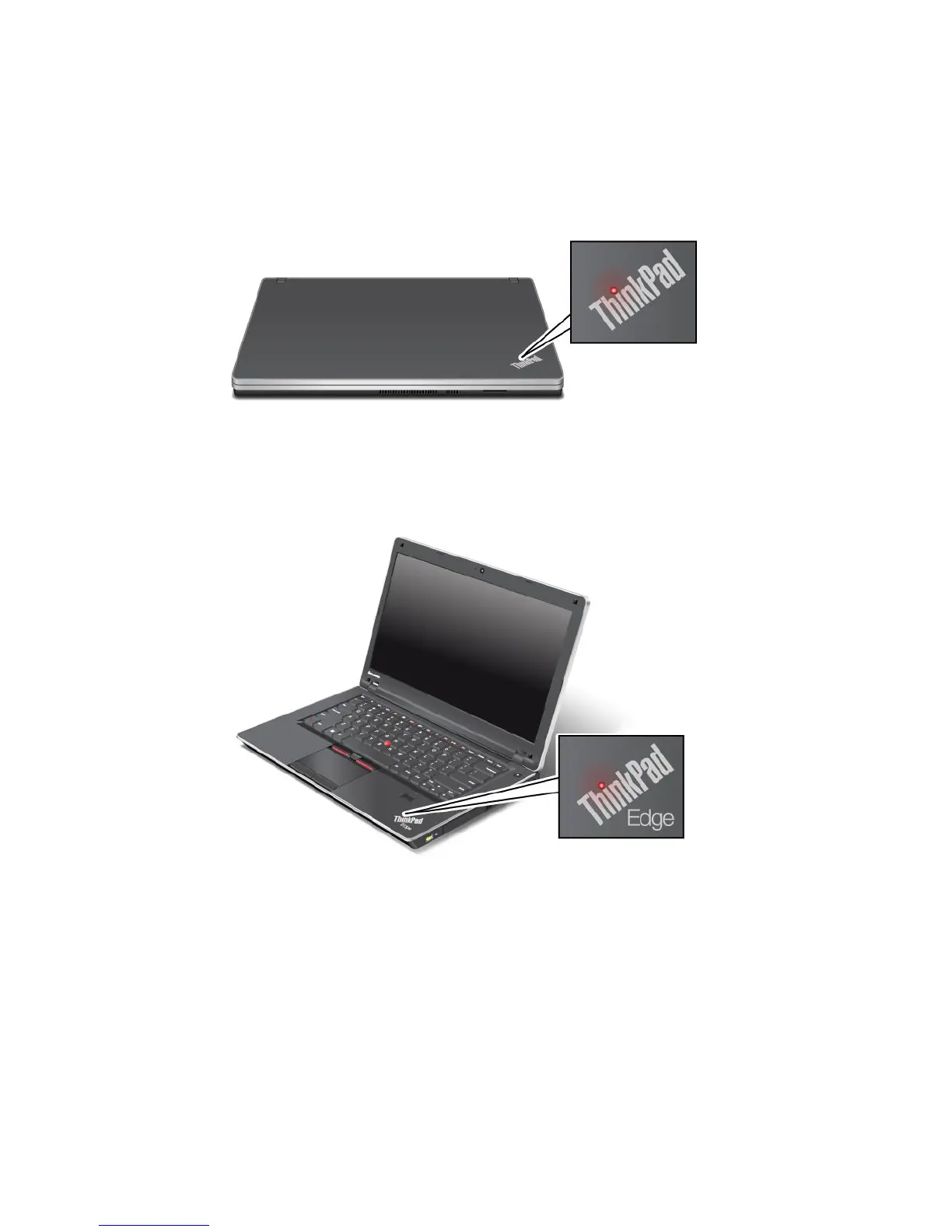
Systemstatusindicators
Note:Yourcomputerkeyboardmightlookdifferentfromtheillustrationabove.
TheilluminateddotintheThinkPadlogoontheouterlidofyourcomputerandonthepalmrestworksasa
systemstatusindicator:itshowswhetherthecomputerisinsleep,hibernation,ornormalmode.
Themeaningoftheindicatorisasfollows:
•Red:Thecomputerison(innormalmode).
•Fastblinkingred:Thecomputerisenteringsleeporhibernationmode.
•Slowblinkingred:Thecomputerisinsleepmode.
•Off:Thecomputerisofforinhibernationmode.
12UserGuide












 To Next Page