•DPandDPsimultaneousoutput:1920x1080pixels(60Hz)
Componentoverview
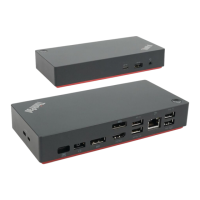
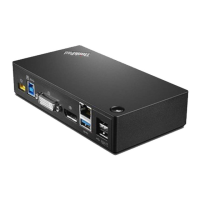
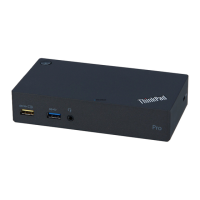
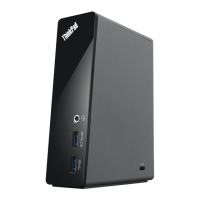
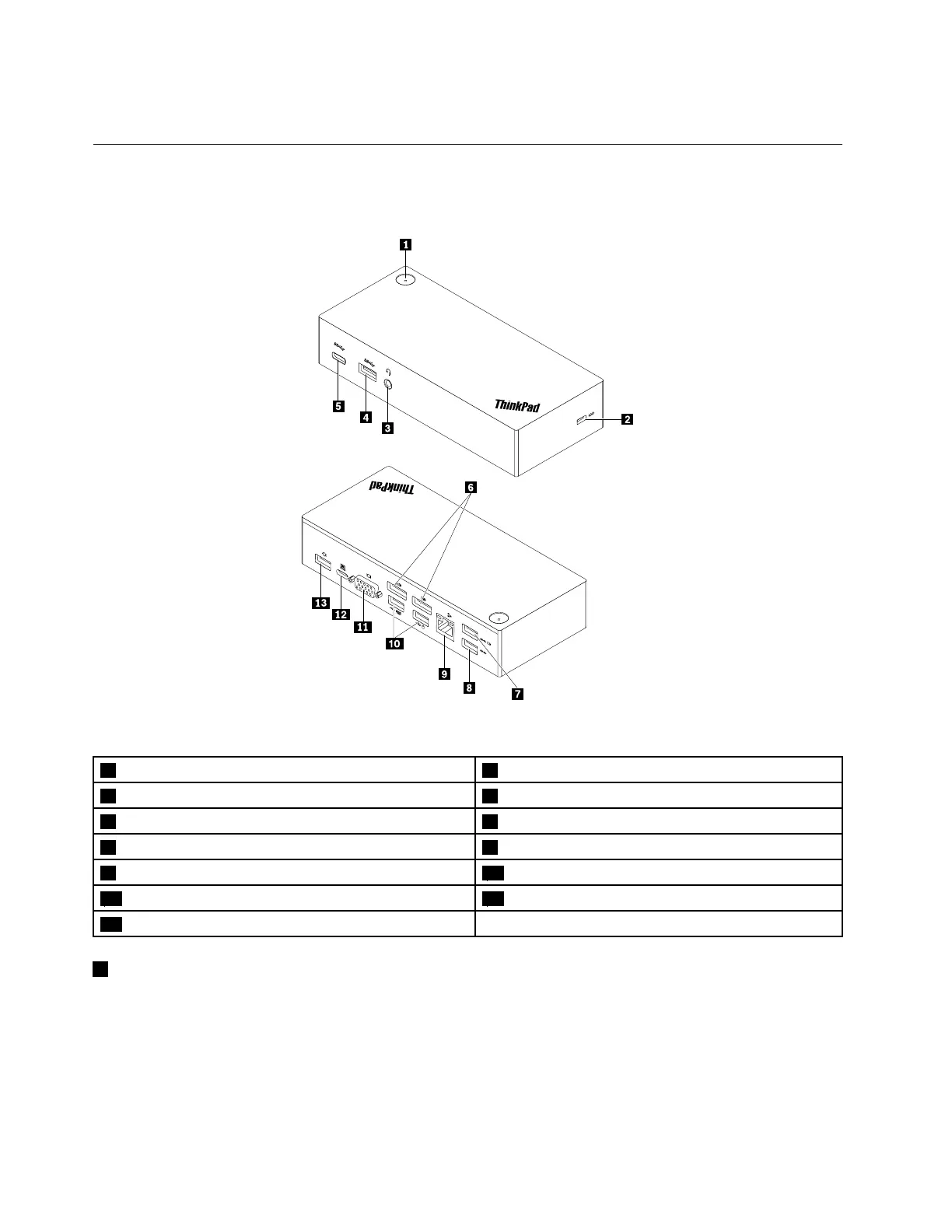
Thefollowingillustrationhelpsyoulocateandidentifytheconnectorsandcontrolsonyourdock.
Figure1.Componentoverview
1Powerbuttonwithindicator
2Security-lockslot
3Headsetandmicrophonecomboconnector
4USB3.0connector
5USB-Cconnector
6DPconnectors
7AlwaysOnUSB3.0connector8USB3.0connector
9Ethernetconnector
10USB2.0connectors
11VGAconnector12USB-Cconnector
13Powerconnector
1Powerbuttonwithindicator
•Powerbutton
–Whenthedockisdisconnectedfromthecomputer,pressthepowerbuttontoturnoffthedock.
–Whenthedockisconnectedtothecomputer,thepowerbuttononthedockhasthesamefunctions
asthepowerbuttonofthecomputer.Youcanusethepowerbuttononthedocktoturnon,turnoff,
sleep,hibernate,orwakeupthecomputerafteryoudefinewhatpowerbuttondoesonyourcomputer.
Tochangewhatthepowerbuttondoes,dothefollowing:
2ThinkPadUSB-CDockUserGuide


 To Next Page
 Loading...