31
6 Switching locomotive decoders
Whilst controlling the locomotive, you can switch locomotive functions by:
1.
pressing the "Asterisk" key.
2.
...
entering the number of the desired function.
)
))
)
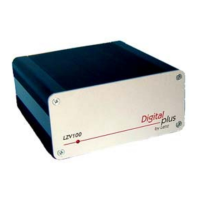
Only when using XPA with the command station LZ100:
If one of the functions 1 to 8 is set to temporary operation, the function is
activated for a settable period of time after the key has been pressed. The
setting of this time is carried out in "Device settings".





 To Next Page