- 13 -
Note:
The alarm you have set will vibrate to remind you and you can
hold the touch key to turn it off.
7. Setting Alarms
1) Go to the "Device" page in the app and tap "Alarm Alert".
2) Tap "+" to add an alarm.
3) Tap the alarm, then set the alarm type, repeat type and time.
4) Tap "√" to save your settings.
3) Hold the touch key for 2 seconds to exit.
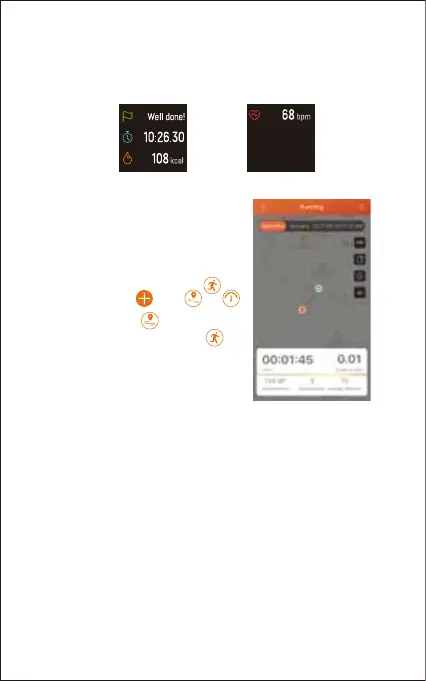
The following data is displayed after the exercise is ended;
tap the touch key to flip through exercise data:
Notes:
● You can also use your phone’s
GPS to track your pace and
distance during walks, hikes, runs
or rides while mapping out your run
or walk on your phone.
● In the app, tap and
will pop up. Tap to enter
running mode directly or tap
to choose another sports mode.
After entering running mode, the
app will track and map your run
distance (using your phone’s
GPS). After the exercise, you can effortlessly check your
exercise data in both the app and the watch.


 To Next Page