- 14 -
8. Tracking Sleep
The watch automatically tracks your sleep duration (Deep
Sleep, Light Sleep, and Awake Hours) and consistency with a
comprehensive analysis of sleep quality data so you can see
your sleep trends and improve your routine.
You can check your detailed sleep data in the app.
9. More Functions
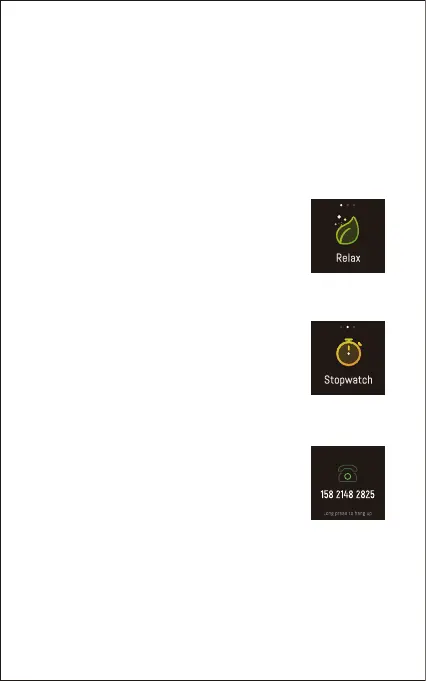
9.1 Relax
1) Tap the touch key on the watch to choose
"More" interface and hold the touch key to enter.
2) Hold the touch key to enter "Relax" mode.
3) Follow the instructions on the screen to relax
yourself.
9.2 Stopwatch
1) Tap the touch key on the watch to choose
"More" interface and hold the touch key to enter.
2) Tap the touch key to choose "Stopwatch"
interface and hold the touch key to enter.
3) Tap the touch key to start / pause timing.
4) Hold the touch key to exit.
9.3 Call Notification
When there is an incoming call, the watch
vibrates to alert you, and the screen displays
the caller ID.
Hold the touch key to reject the call.
Notes:
● Only when "Call alert" is enabled in the app ("Device" page →
"Call Alert") will calls be notified. (After enabling / disabling the
Call Alert function, tap "√" to save your settings.)
● When "Non disturb mode" is enabled in the app ("Device"
page → "More" → "Non disturb mode"), calls will not be
notified on the watch during the Non-disturb-mode period.


 To Next Page