1: Kabelanschluss IT 4715
Scope of delivery
• IT 4715 xx-x-xxx
1. Scanners IT 4715 xx-x-xxx
Type overview see page 14
Accessories see page 14
Installation
Connecting the scanner
The figure below shows the cable connection. In the following you will find described several steps
of the connection of the scanner to a cable.
Connecting the cable to the IT 4715
To mount the cable at the Scanner, please proceed in the following way:
1. Plug in the RJ 41 connector in the socket, until the cable is clicked in
2. Connect the other side of the cable to your PC
3. If you use the RS 232-interface you have to check, if the scanner is supported with power. Please
check it with the pinning on page 5, to find the right cable
4. Connect the power supply to the socket (if your PC do not support the power)
5. Check if the scanner is working, hit the trigger button and look for the red LED‘s as well as for the green
target line. Scan a code label. The scanner confirms with an acoustic signal, if the code is decoded.
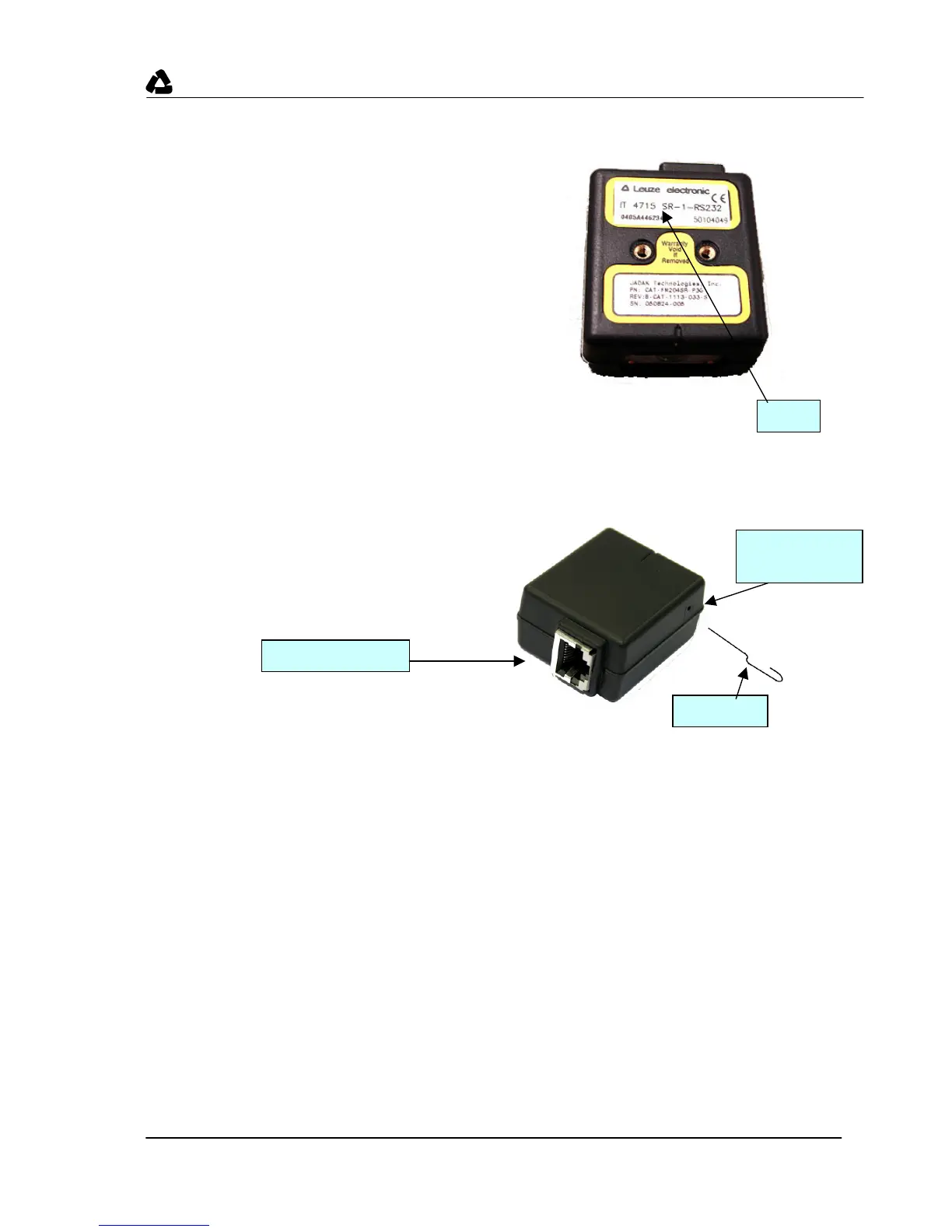
Type
Trigger button,
inside
Female connector
Paper clip


 To Next Page