16
Using the Talk to Baby™ Two-Way Intercom
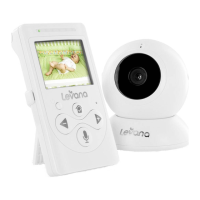
With the simple press of a button you can talk to your child at any time without entering the nursery.
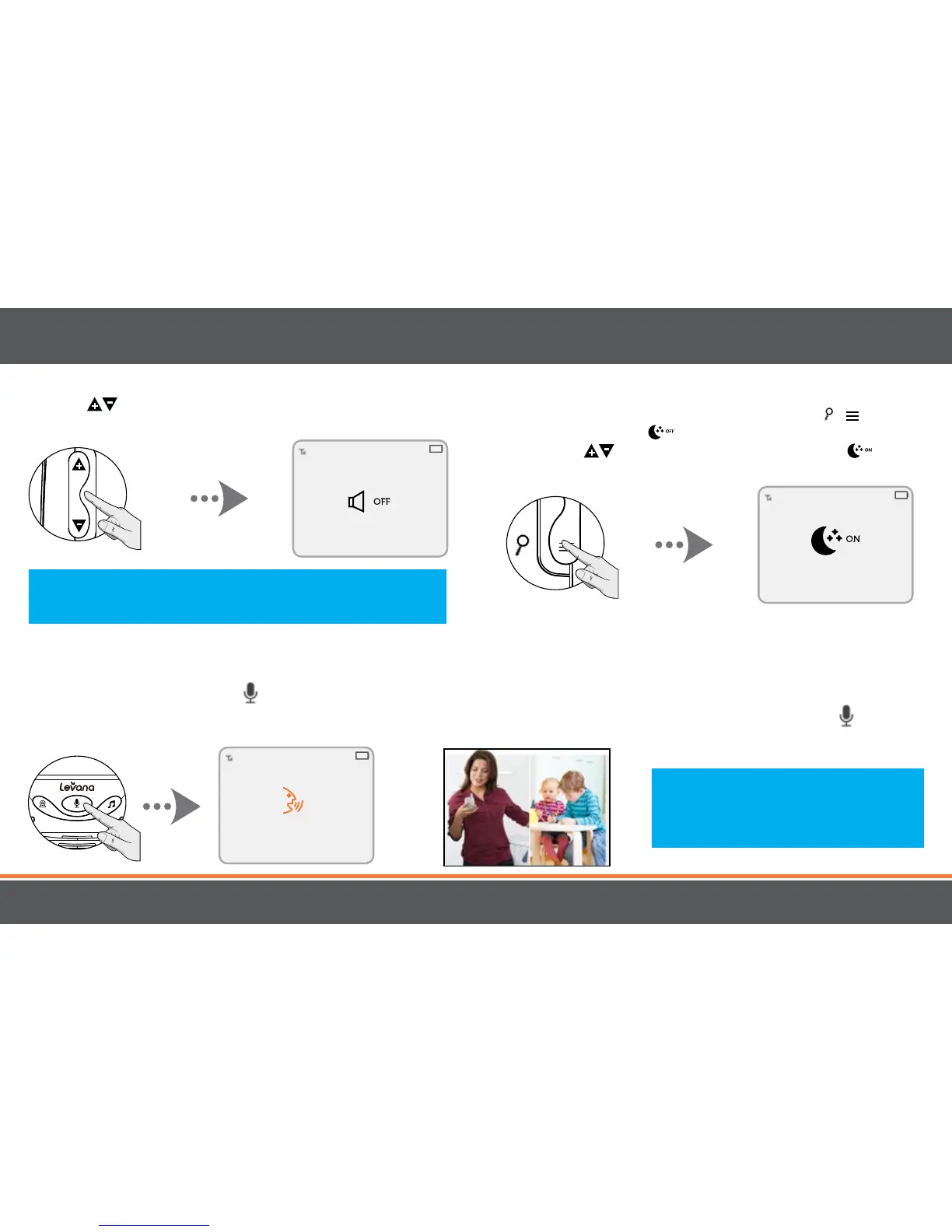
1. To talk, press and hold the
(TALK) button on the front of the monitor and release to listen.
2. To talk when using multiple cameras, select the camera view (see "Changing the Camera View") and press the
(TALK)
button, release to listen.
OPERATION
Note: To optimize the eectiveness of the
Talk to Baby™ function, please keep the
monitor at least 6-8 inches away from
your mouth.
Nightlight
1. To turn the Nightlight ON/OFF, press the / button
until you see the OFF icon.
2. Use the VOLUME arrows (side) to select ON.
Note: Placing the monitor and camera too close together will create
feedback. DECREASE or MUTE the volume and move the camera
away from the monitor.
(MUTE)
Volume
Use the VOLUME arrows (side) to increase/decrease/
mute the VOLUME.


 To Next Page