4.1 Start-up and Log in
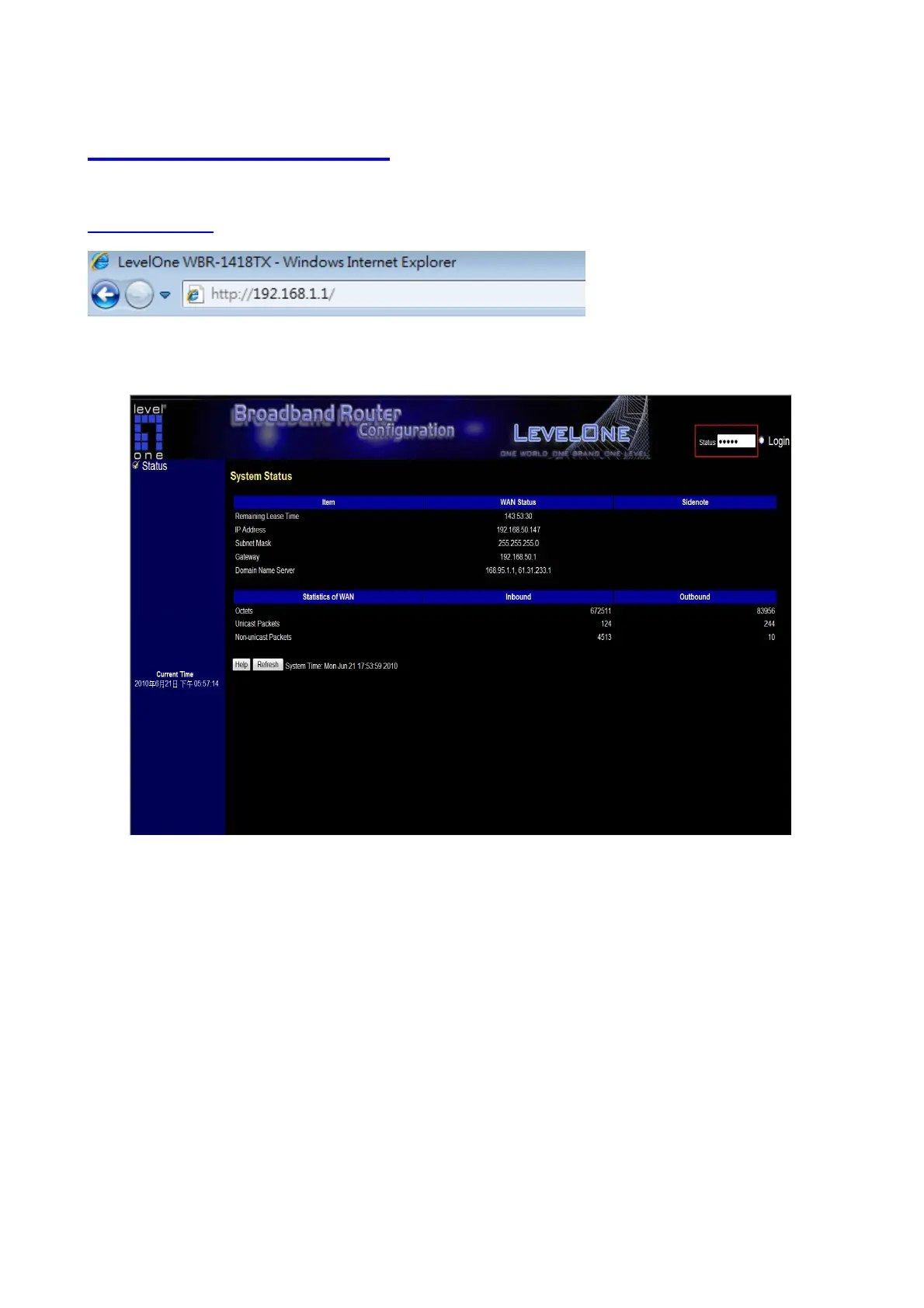
Start your Web browser. In the Address box, enter FBR-1418TX’s Default IP Address:
http://192.168.1.1
Login page
After the connection is established, you will see the web user interface of this product. There are two
appearances of web user interface: for general users and for system administrator.
To log in as an administrator, enter the system password (the factory setting is
”admin”
) in the System
Password field and click on the Log in button. If the password is correct, the web appearance will be
changed into administrator configure mode. As listed in its main menu, there are several options for system
administration.
9














 To Next Page