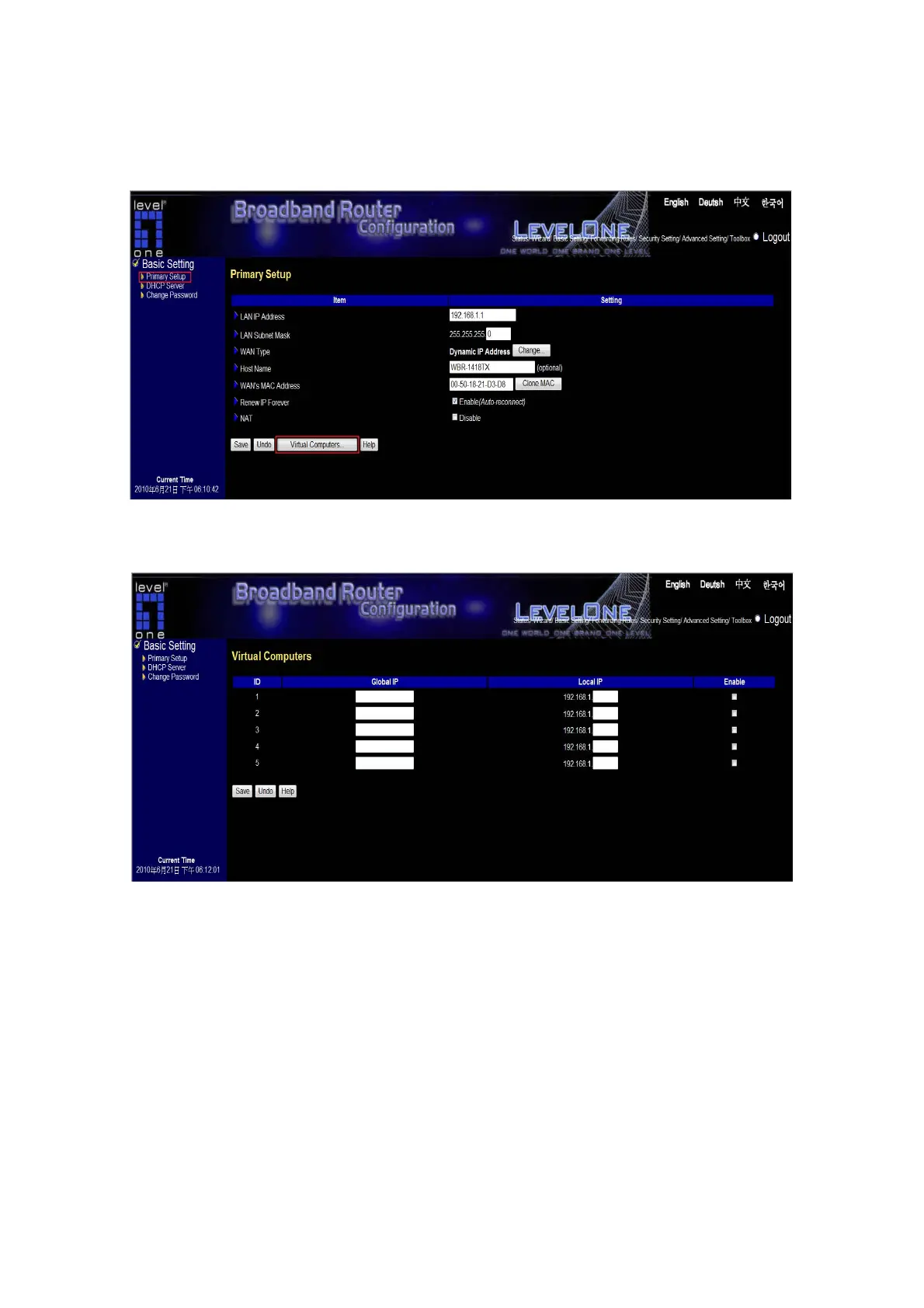
Virtual Computers
Click “Primary” “Virtual Computer”
Virtual Computer enables you to use the original NAT feature, and allows you to setup the one-to-one
mapping of multiple global IP address and local IP address.
Global IP: Enter the global IP address assigned by your ISP.
Local IP: Enter the local IP address of your LAN PC corresponding to the global IP address.
Enable: Check this item to enable the Virtual Computer feature.
This feature is only available in WAN type of Static IP Address, Dynamic IP Address and Dynamic IP Address
with Road Runner Session.
20















 To Next Page