1. DH
CP Server: Choose “Disable” or “Enable.”
2. Lease Time: this feature allows you to configure IP’s lease time (DHCP client).
3. IP pool starting Address/ IP pool starting Address: Whenever there is a request, the DHCP
4. Server will automatically allocate an unused IP address from the IP address pool to the requesting
computer. You must specify the starting and ending address of the IP address pool.
5. Domain Name: Optional, this information will be passed to the client.
6. Primary DNS/Secondary DNS: This feature allows you to assign DNS Servers
7. Primary WINS/Secondary WINS: This feature allows you to assign WINS Servers
8. Gateway: The Gateway Address would be the IP address of an alternate Gateway.
9. This function enables you to assign another gateway to your PC, when DHCP server offers an IP to
your PC.
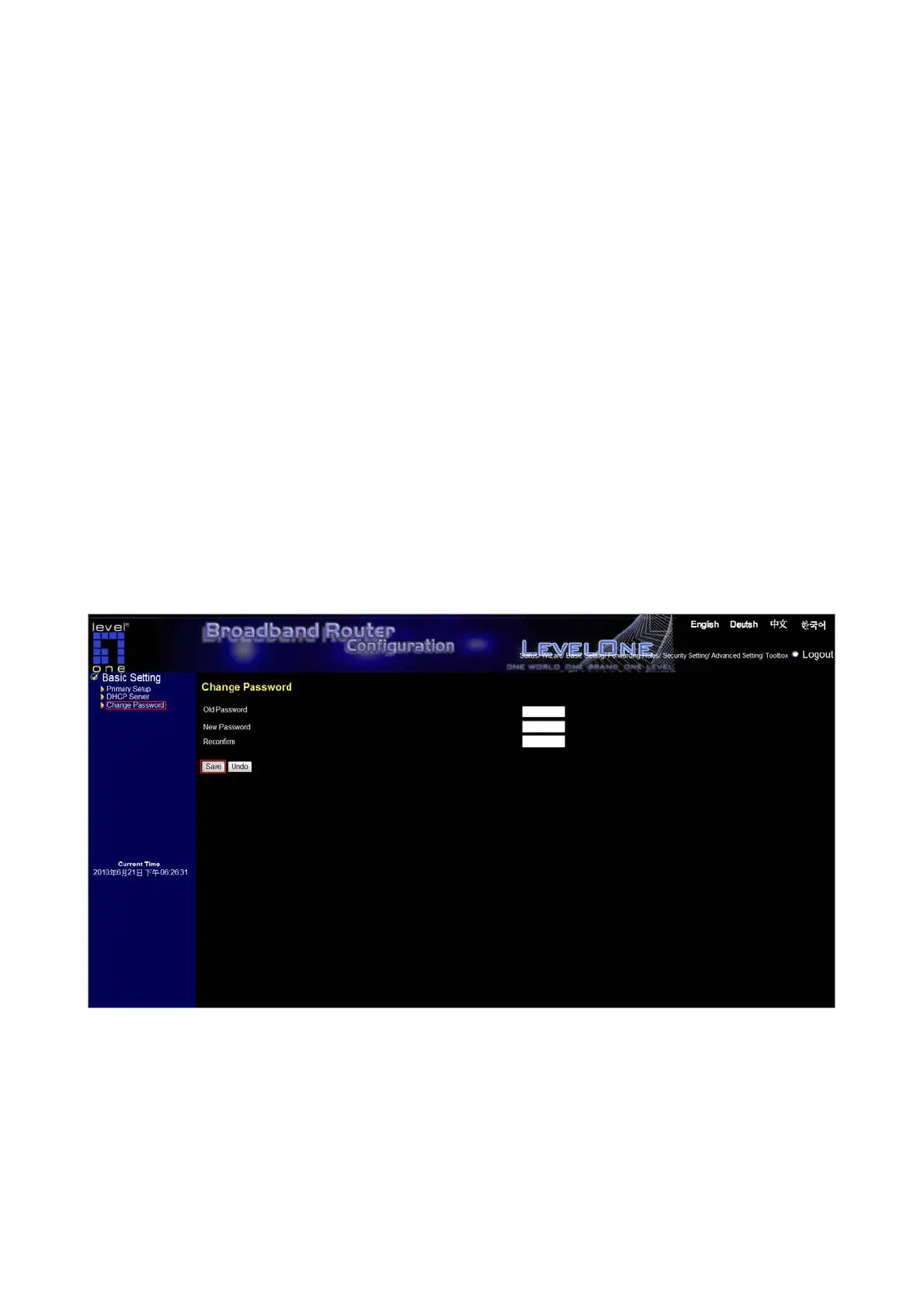
4.4.3 Change Password
You can change Password here. We strongly recommend you to change the system password for security
reason.
22














 To Next Page