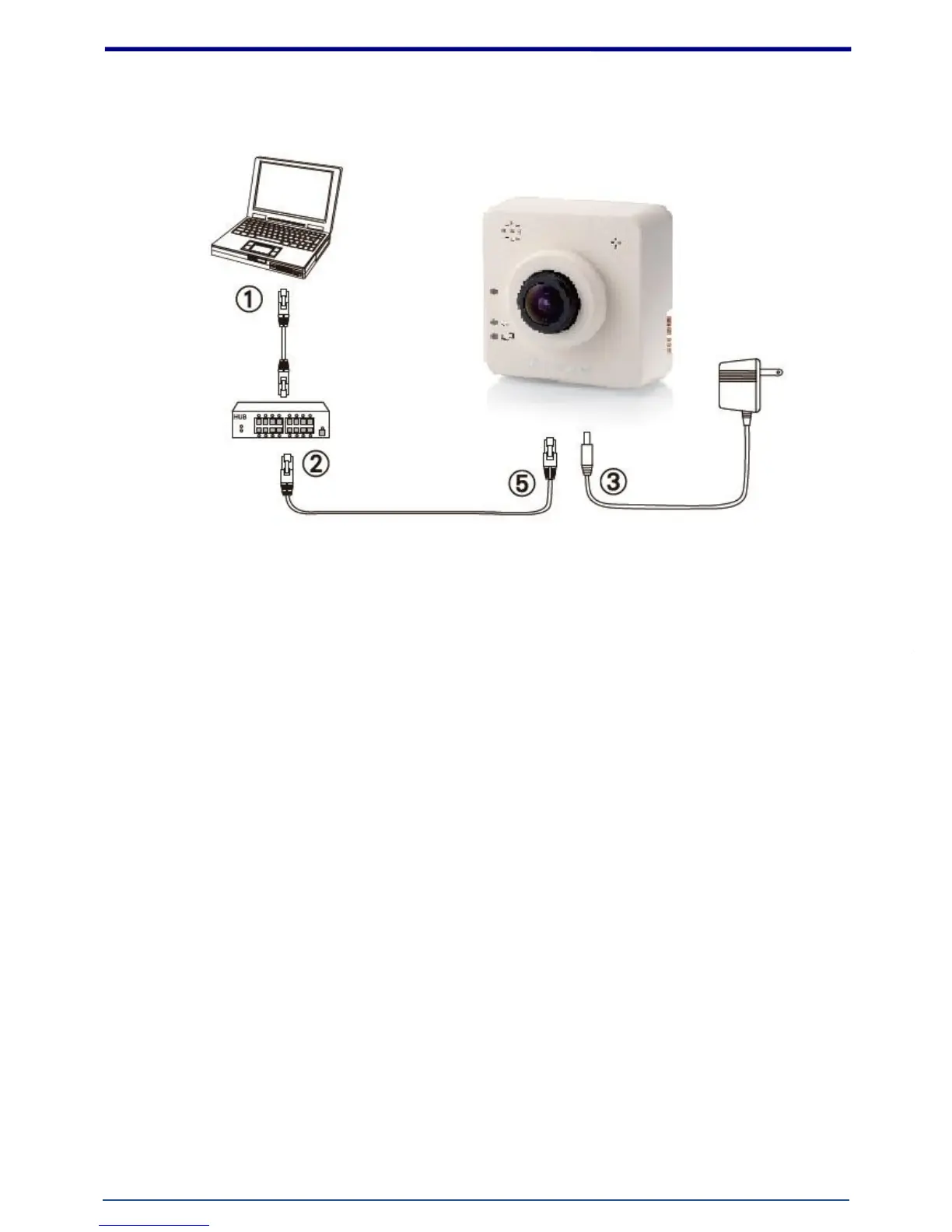
1. Hardware Connection
1. Prepare a PC with Ethernet link to the network
2. Connect LAN port (RJ45) of the camera to a network switch/hub
3. Connect power jack (ignore if using PoE)
4. Ensure the power adaptor specification matches the power system (110V or 220V) and connect
the adaptor to the outlet
5. Check LED status (Power/Network)















 To Next Page