2. Video
General
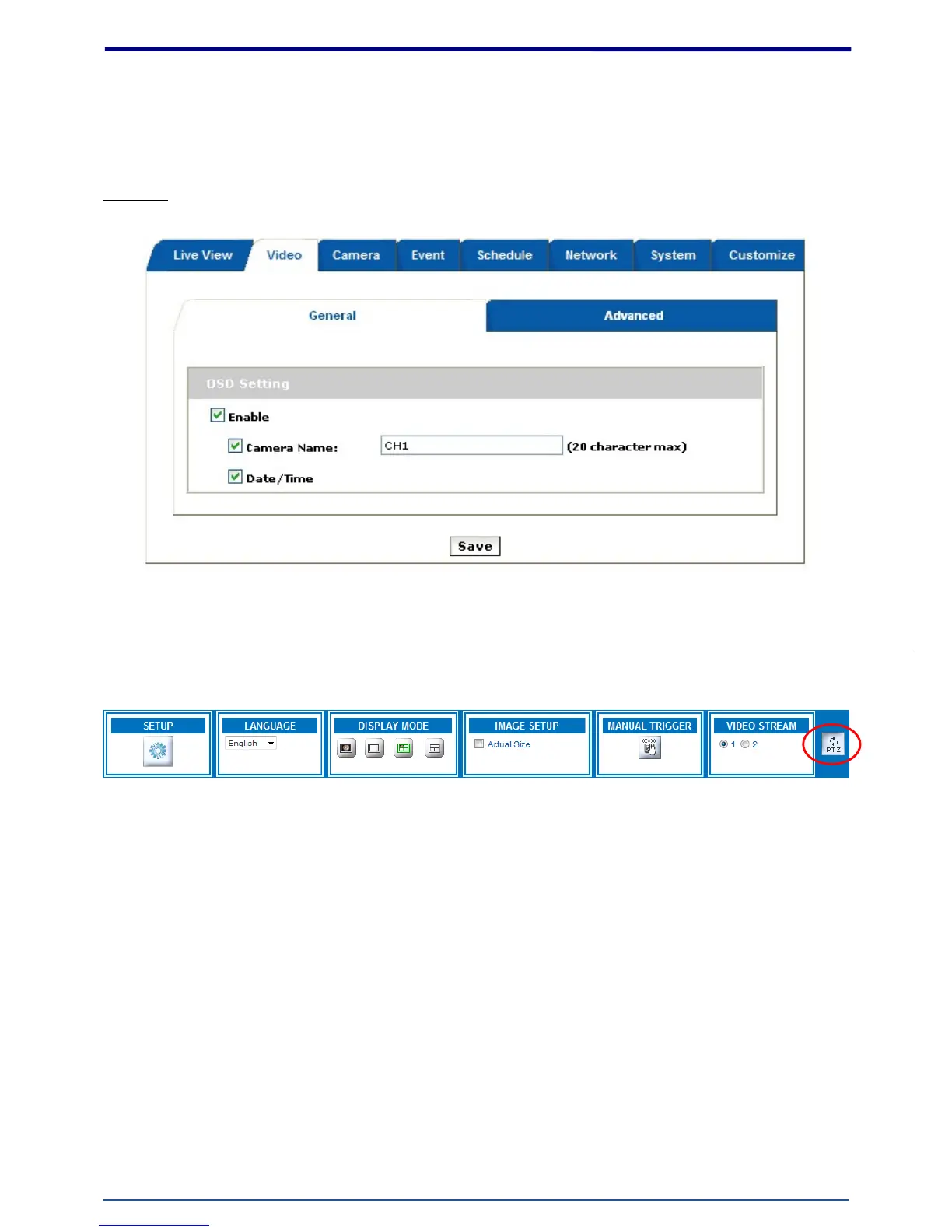
OSD Setting: Enable OSD to display camera name and date/time on the image. A line of text message
(e.g. Camera Name or Position) and the date/time string are available to be selected for displaying or
hiding on the images.
The PTZ function will display in Quad with source view, Double with source view , Double view and Triple
view of Wall and Wall 720P Mount.
Click on the PTZ icon, the web will popup the control panel to control e-PTZ function of FCS-0071.















 To Next Page