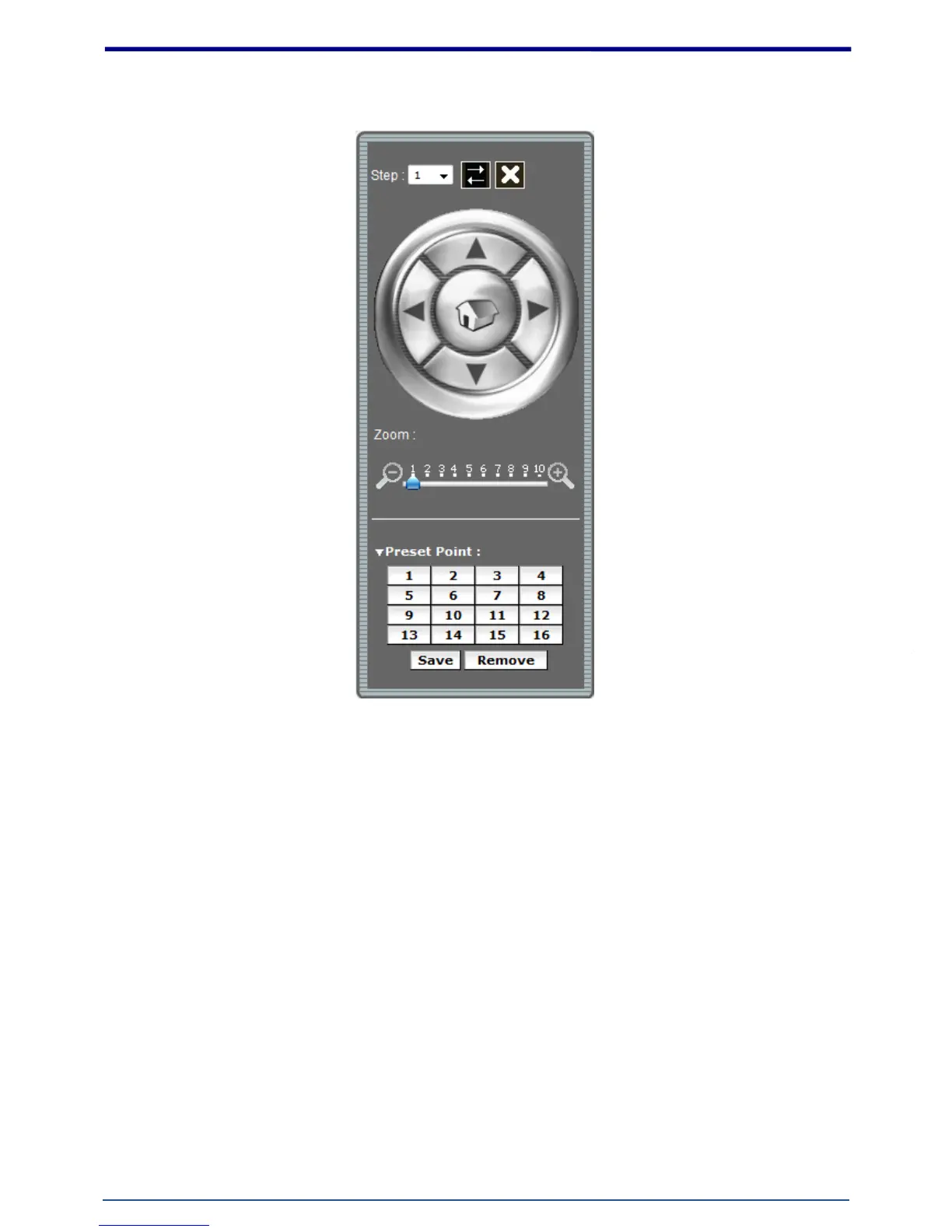
Double with source view PTZ control panel:
1. Step: Setting the speed of Pan function. (1~10)
2. Pan Arrow: Click to control Pan function.
3. Move the control panel.
4. Close the control panel.
5. Zoom: Digital zoom in/out.(1~10)
6. List of preset points. (1~16)















 To Next Page