Software Installation
The following are steps for the software installation.
Note: The default user name is root and the password is blank
How to Use Installation Wizard
Installation
The following are steps for the software installation.
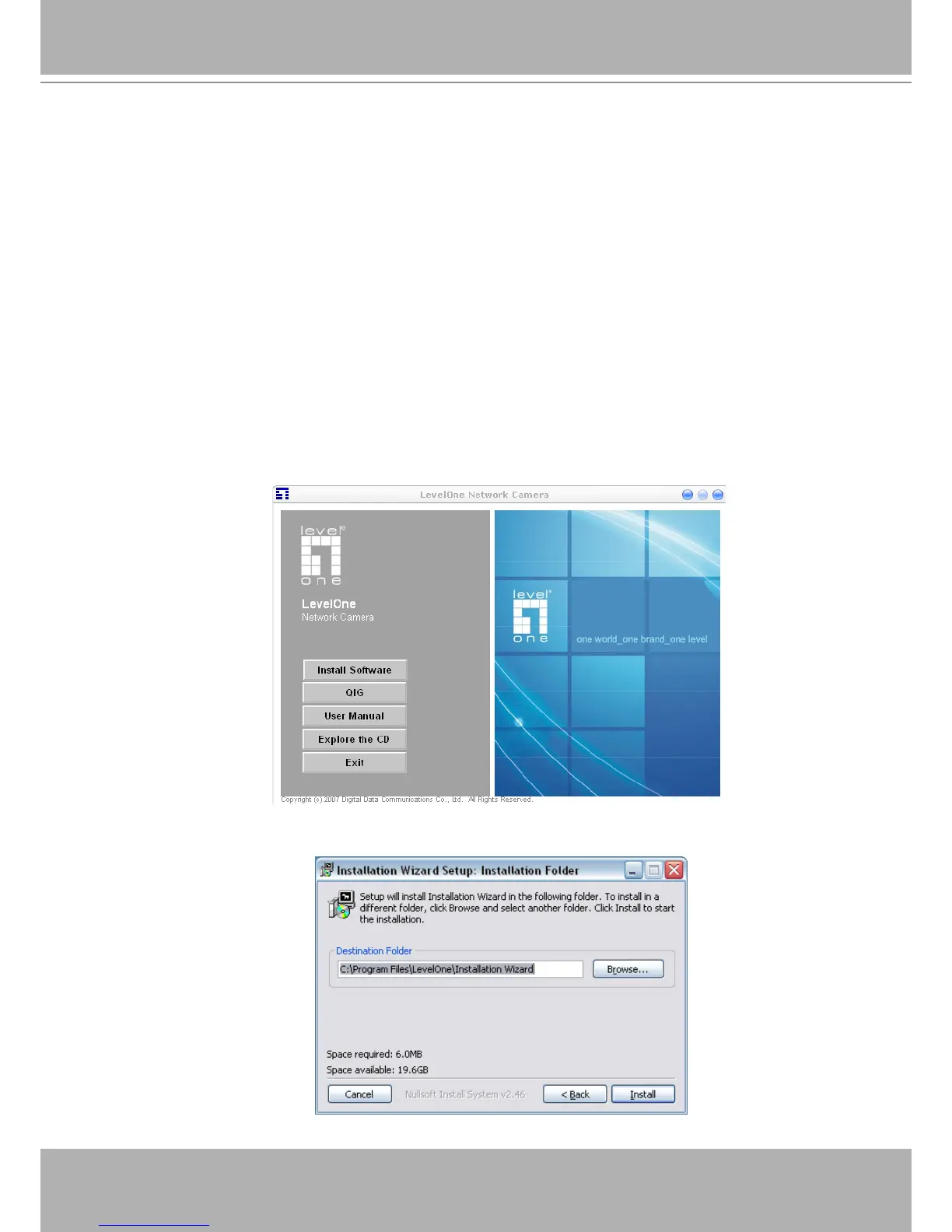
STEP. 1 Put the Installation disk into the CD-ROM drive, and the installation should start
automatically. If the installation does not start, click on “Start” on the lower left corner of your
screen, open “My Computer” and double click on the CD-ROM icon. The Installation Wizard
Installation Window will appear.
STEP. 2 There are links on this page, including Install Software, User’s Manual and Customer
Homepage. Click on “Install Software” to enter Install Software page.
STEP. 3 There are links on this page, including Installation Wizard, User’s Manual and
Surveillance Software. Click on “Installation Wizard” to launch the setup program.
Destination Location for Installation















 To Next Page