User's Manual - 17
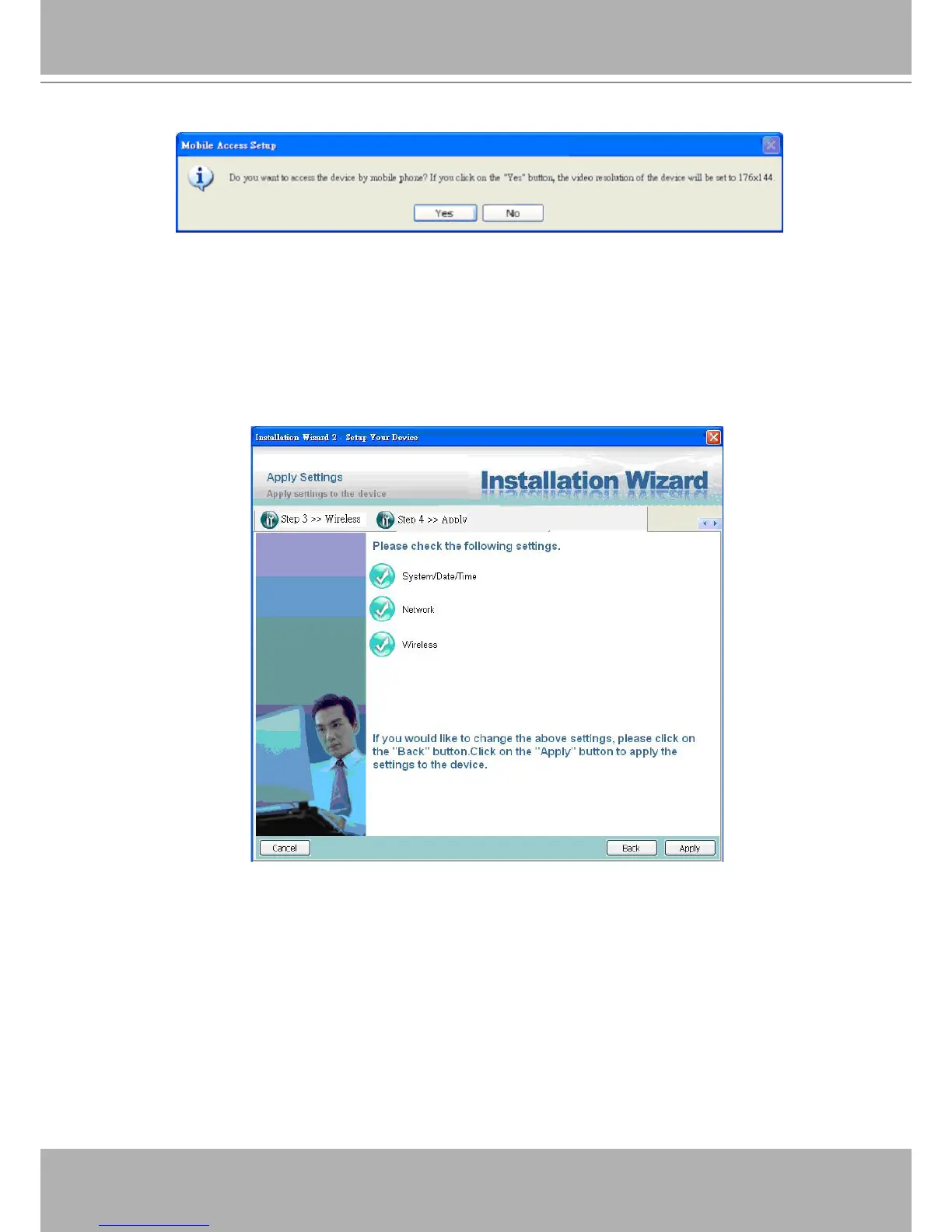
Mobile Access
Apply to selected device
After conguring all the settings, the apply page will show up. Click on “Apply” button to apply
the changes to the selected device or click on “Back” button to go back to the previous page and
modify the setting again.
Apply page
When you click on the “Apply”, it will start to update your settings to server.
Upgrade
When you select one device or multiple devices (of the same model), the “Firmware Upgrade”
button will be enabled. Click on it to upgrade the rmware of the selected device(s). After click
on the “Firmware Upgrade” button, Installation Wizard will try to connect the selected device(s)
and lead you to the rmware upgrade page.















 To Next Page