User's Manual - 21
Start Upgrade
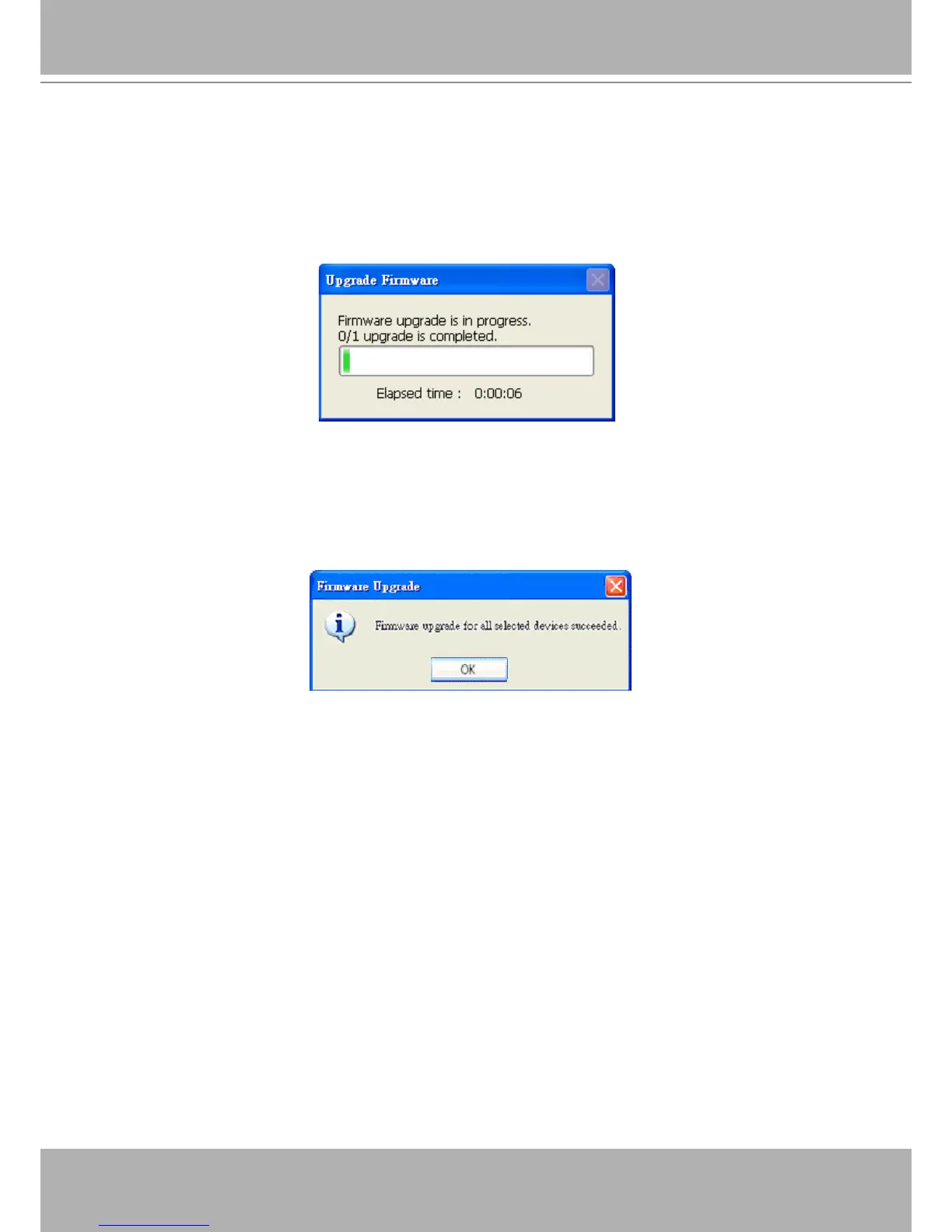
Clicking on the “Start Upgrade” button to upgrade the rmware of the selected device(s), and
it will be a pop-up dialog window to show the progress of the upgrading process. Usually, it will
take about 5 to 10 minutes to nish the rmware upgrading. It depends on your server model
and network bandwidth. We recommend you do the upgrade process in wired LAN environment
rather than PPPoE or wireless environment.
Update progress
After the upgrade process had been done, you could see the dialog window as below.
Please click on the button “OK” to nish it.
Upgrade Done















 To Next Page