User's Manual - 91
Event Settings
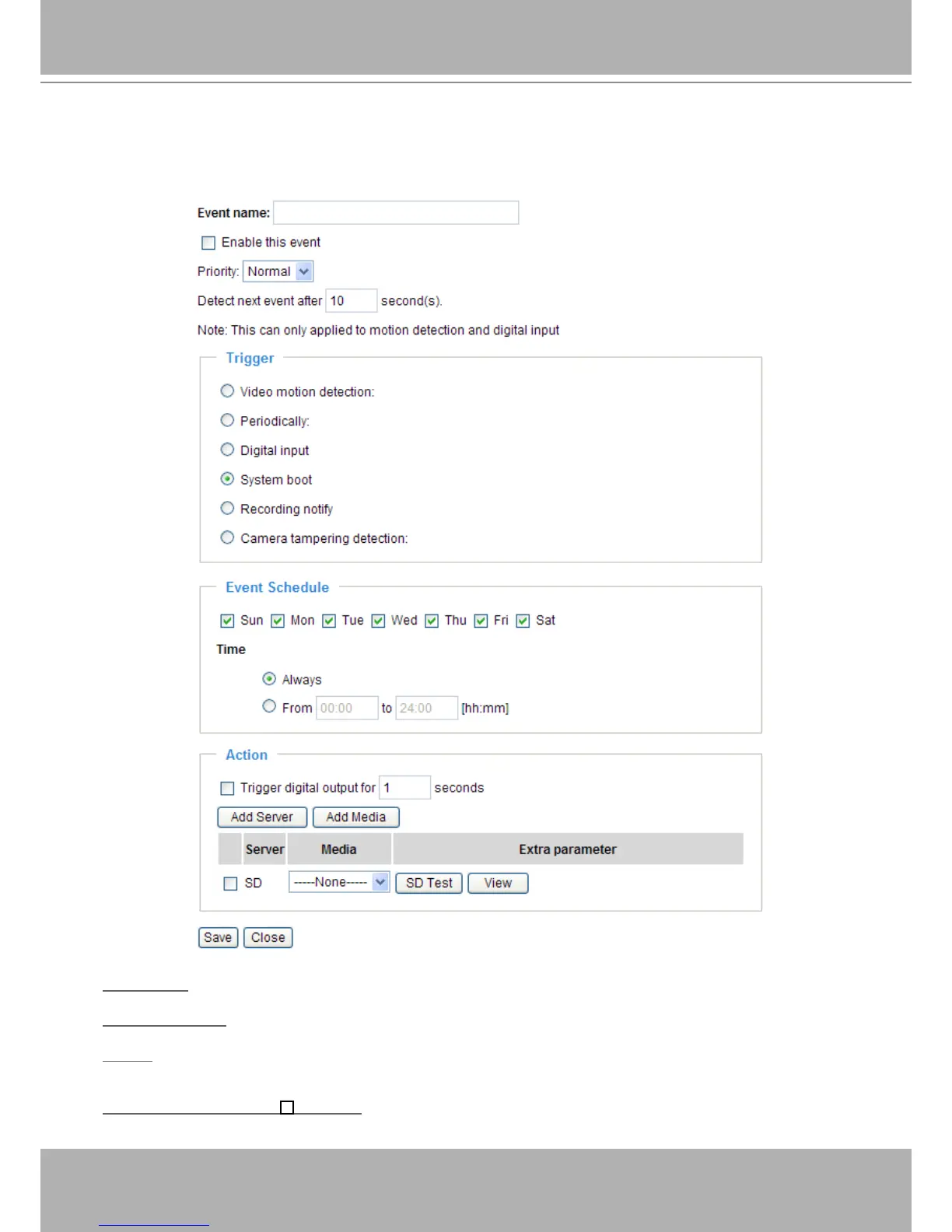
In the Event Settings column, click Add to open the Event Settings page. On this page, you can
arrange three elements -- Trigger, Schedule, and Action to set an event. A total of 3 event settings can be
congured.
Event name: Enter a name for the event setting.
Enable this event: Select this option to enable the event setting.
Priority: Select the relative importance of this event (High, Normal, or Low). Events with a higher priority
setting will be executed rst.
Detect next event after seconds: Enter the duration in seconds to pause motion detection after a
motion is detected.















 To Next Page