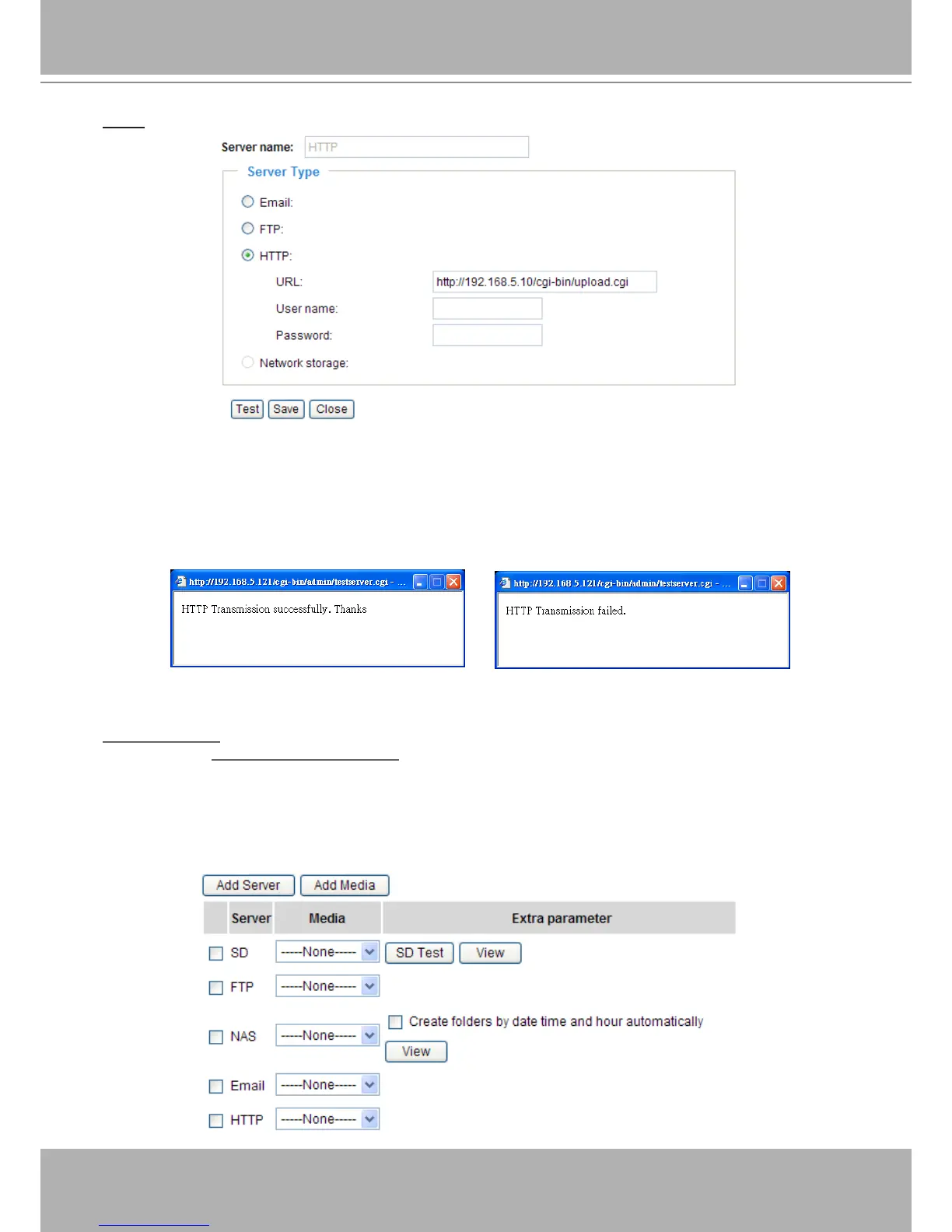
HTTP: Select to send the media les to an HTTP server when a trigger is activated.
■ URL: Enter the URL of the HTTP server.
■ User name: Enter the user name if necessary.
■ Password: Enter the password if necessary.
To verify if the HTTP settings are correctly congured, click Test. The result will be shown in a pop-up
window as below. If successful, you will receive a test.txt le on the HTTP server.
Click Save to enable the settings, then click Close to exit the page.
Network storage: Select to send the media les to a network storage location when a trigger is activated.
Please refer to Network Storage Setting on page 93 for details.
Click Save to enable the settings, then click Close to exit the page.
When completed, the new server settings will automatically be displayed on the Event Settings page.
For example:















 To Next Page