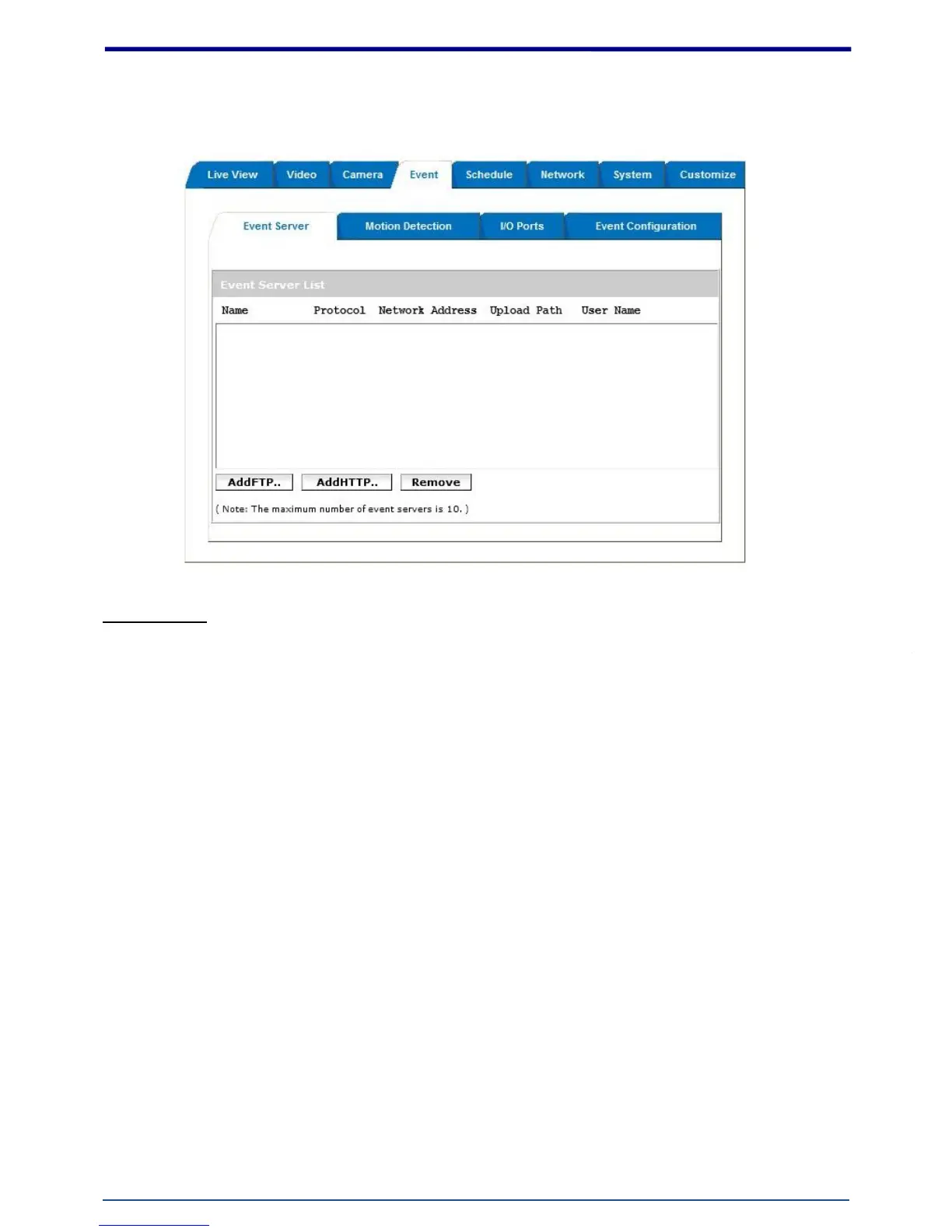
4. Event
Event Server
Click on the [Add FTP] to expand FTP server setting.
FTP Server:
Name: Give a name for the FTP server
Network Address: Input the network address of the FTP server
Upload Path: Choose the desired upload path for events
Port: Input the port number of the FTP server
Login Information:
Username / Password: Input the username and password of the FTP
Click on the [Add HTTP] to expand HTTP server setting.
HTTP Server:
Name: Give a name for the HTTP server
URL: Input the network address of the HTTP server
Username / Password: Input the username and password of the HTTP
Click [Remove] to delete selected event servers. (Circled in red)















 To Next Page