Hardware Manual
13
Step 3: Install the Camera
1. If necessary, install a memory card to the camera. See How to Insert the Memory Card
on page 27 for more information.
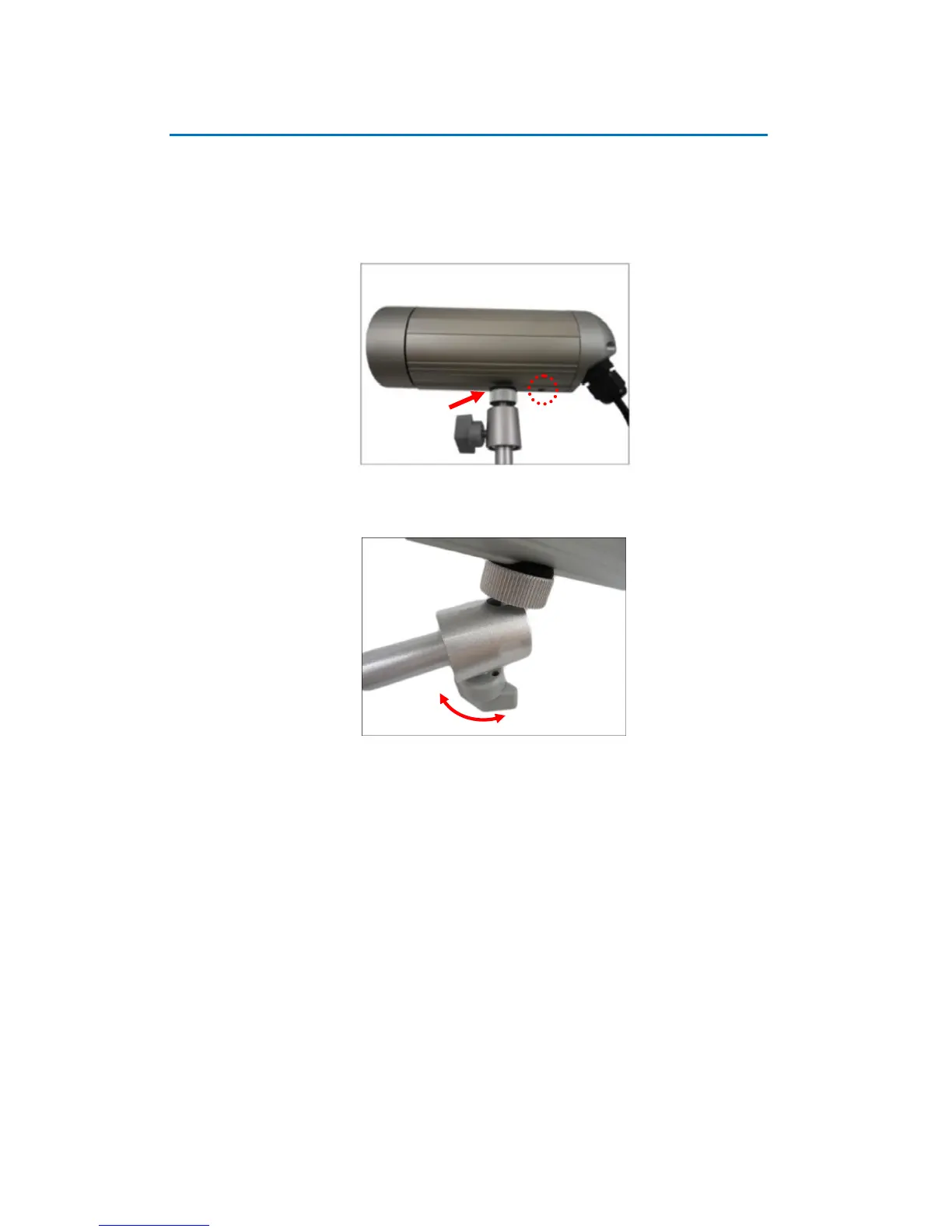
2. Depending on how you want to install the camera, attach the camera to the bracket
through one of the two (2) holes below:
3. Adjust the camera viewing angle and tighten the knob to fix the camera position.















 To Next Page