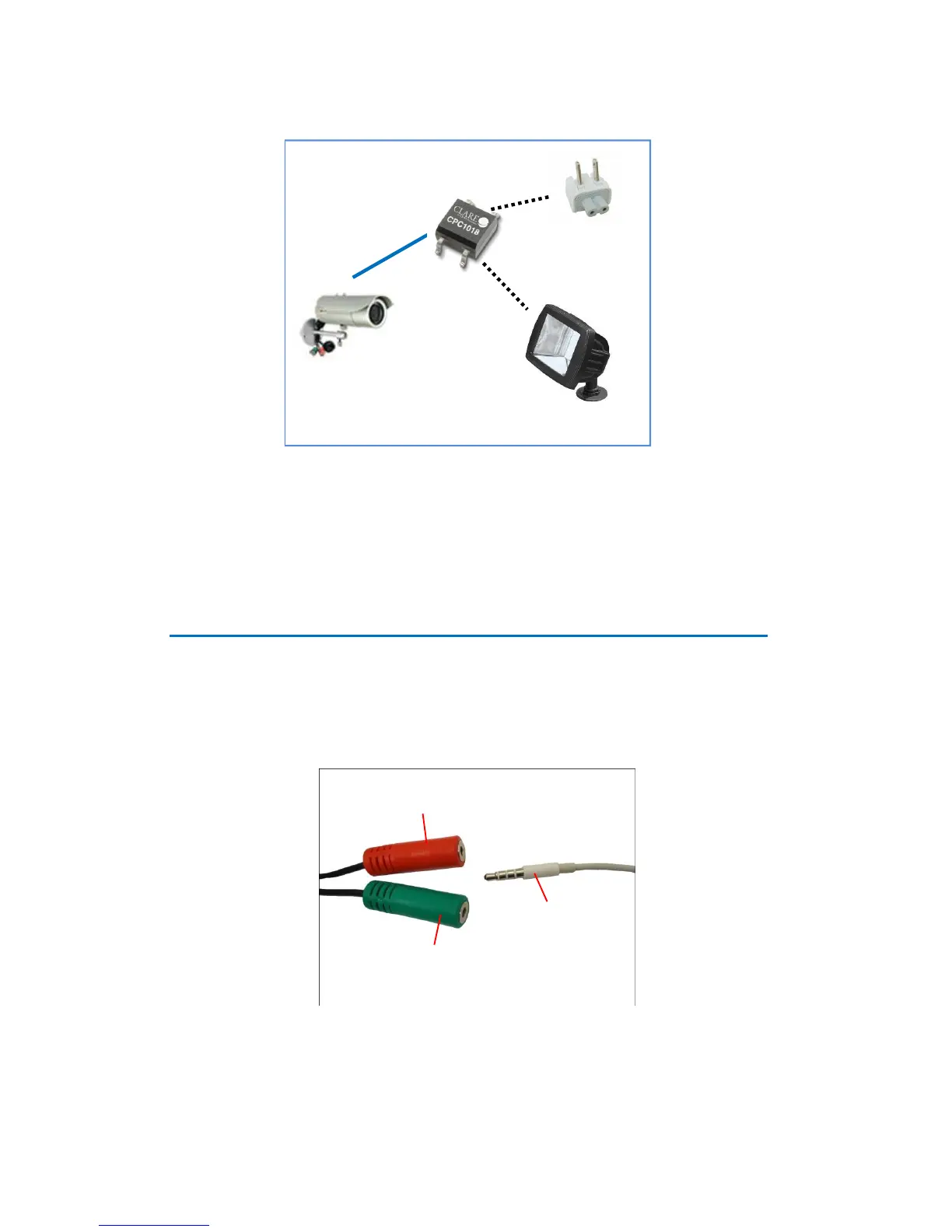
NOTE: For more information on DI/DO connections, please refer to the Knowledge Base
article on our website.
How to Connect Audio Input / Output Devices
(Optional)
If using an audio input device, such as a microphone with a built-in amplifier, connect the
device to the Audio Input jack (RED) of the camera. If using an audio output device, such as a
speaker, connect the device to the Audio Output jack (GREEN) jack of the camera.
Note: Make sure that the connected audio input device has a built-in amplifier. Connecting an
ordinary microphone will dwarf sounds and will result in inaudible recording.















 To Next Page