Hardware Manual
29
Adjust the Viewing Angle and Focus
The camera already comes pre-focused when taken out of the box. If there is a need to
change the viewing angle and focus, follow the steps below to adjust them.
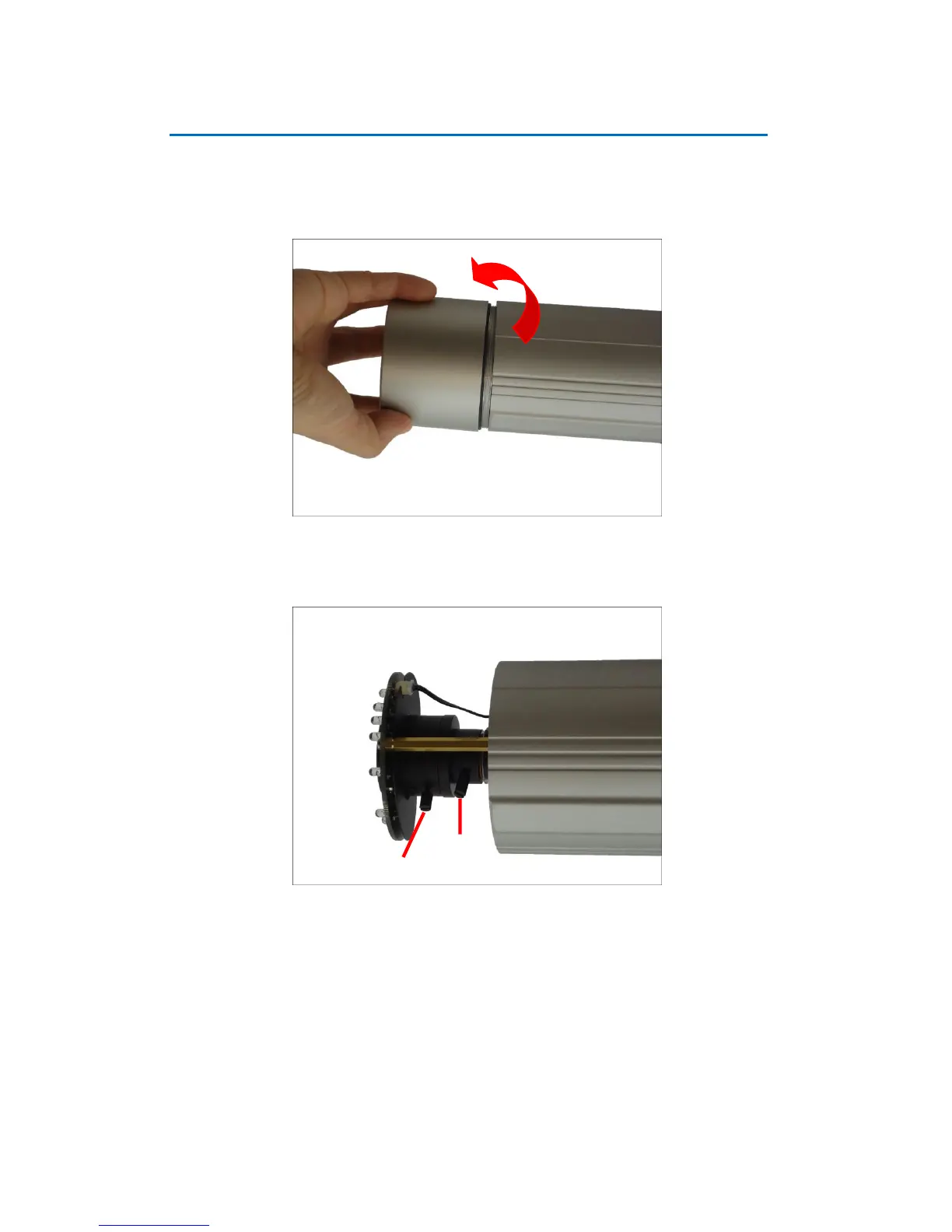
1. Open the front cover.
2. Loosen the lever screws. Based on the live view, move the levers to adjust the focus and
viewing angle of the target area .
3. When done, tighten back the lever screws to fix their position.
4. Close the front cover.
CAUTION: The front cover must be tightly closed to ensure water or dust does not go through
any opening.















 To Next Page