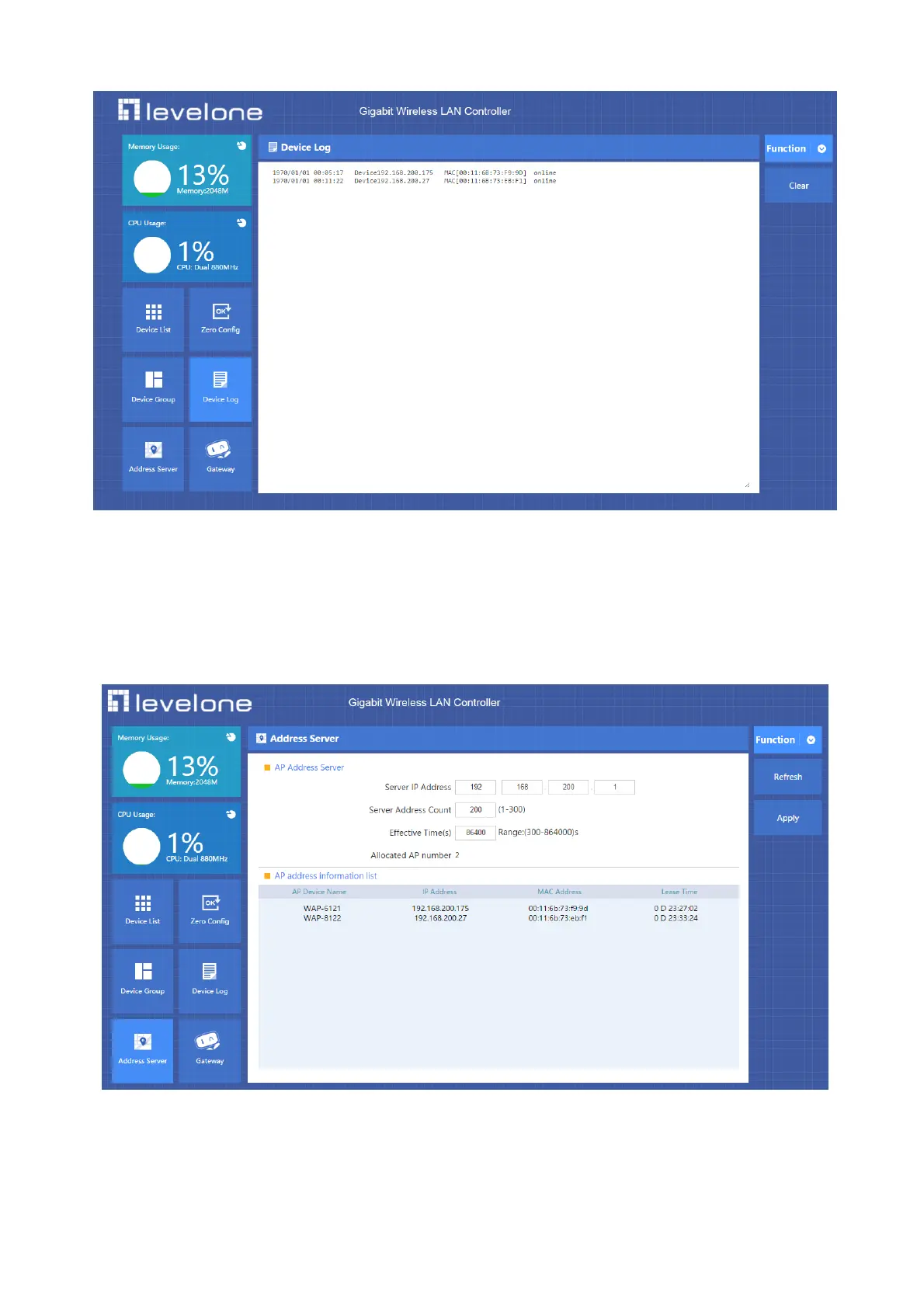
4.3 Device Log
Device Log show AP’s record, such as on line recording, offline recording, device configuration recording.
P4-2 Device Log
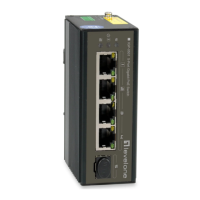
4.4 Address Server
Through Address Server, to set server IP address, subnet mask; Server address Pool, main to assign IP address to the
connected wireless AP, no need to specify the IP address for wireless AP manually when operation.
P4-3
Server IP Address: modify the default AP address server’s IP address; (default is 192.168.200.1)
Server Subnet: Modify AC controller’s subnet; 255.255.255.0 in default
Server Address Pool: When wireless AP connected with this address server, then address server will assign IP address for
wireless AP. (The default IP address pool is 192.168.200.2-192.168.200.254)



 To Next Page