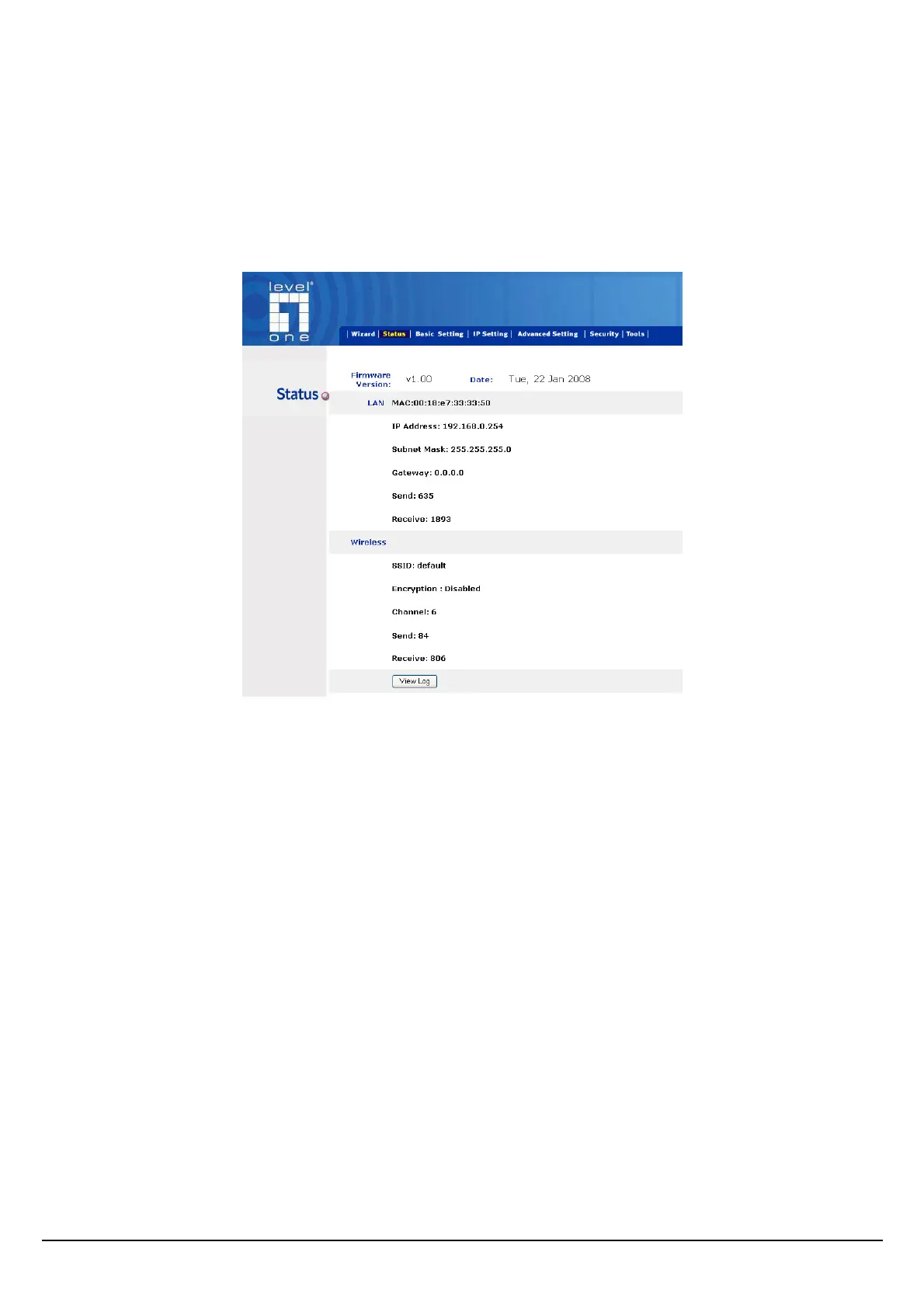
Main Screen of the Access Point
The screen will show the status of the AP when you login to the AP.
There are seven main functions included in the top side of the main screen: Wizard, Status, Basic
Setting, IP Setting, Advanced Setting, Security and Tools. Point the selections in the top side of the
menu screen.
7















 To Next Page