3. Hardware Installation
Front panel
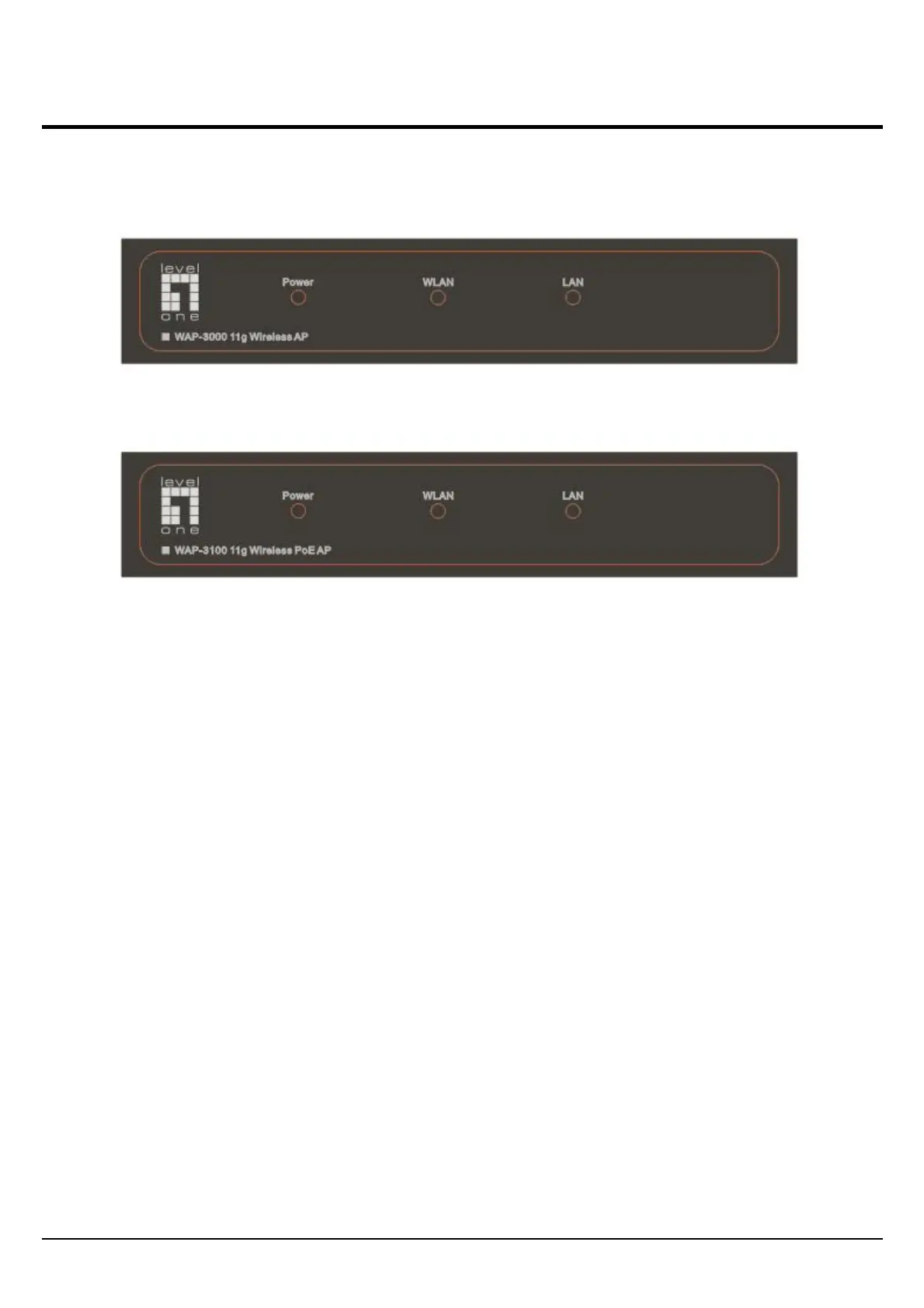
The figure below shows the LED Indicator of the LevelOne Wireless AP.
Power:
This indicator lights green when the Access Point receives power. Otherwise, it turns off.
WLAN:
The indicator blinking green whiles the wireless LAN activity.
LAN (Link/ACT):
The indicator lights green when the LAN port is connected to an Ethernet network successful.
Otherwise, the indicator blinking green while transmitting or receiving data on the Ethernet network.
3















 To Next Page