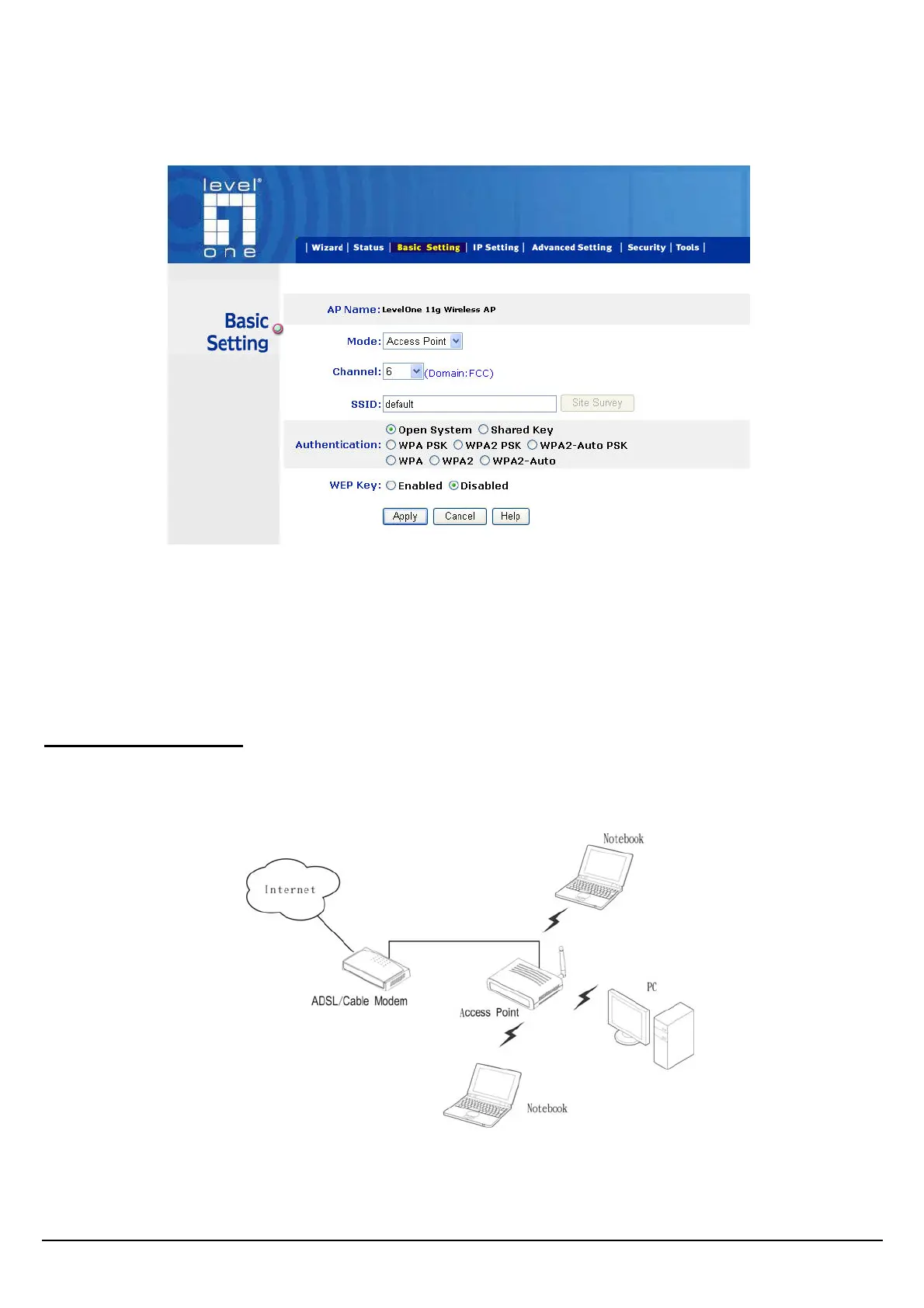
Basic Setting
This is the page allow user to change the access point settings.
.
AP Name: The name of the AP, which can be used to identify the Access Point among the all the
Access Points in the wireless network.
Mode: The WLAN AP supports five operation mode for Access Point, AP Client, WDS (Wireless
Distribution System), AP+WDS and Repeater mode.
Access Point Mode
Configure the AP to Access Point mode; with this mode, WLAN clients can access LAN or other
WLAN clients through this AP.
AP mode application
12















 To Next Page