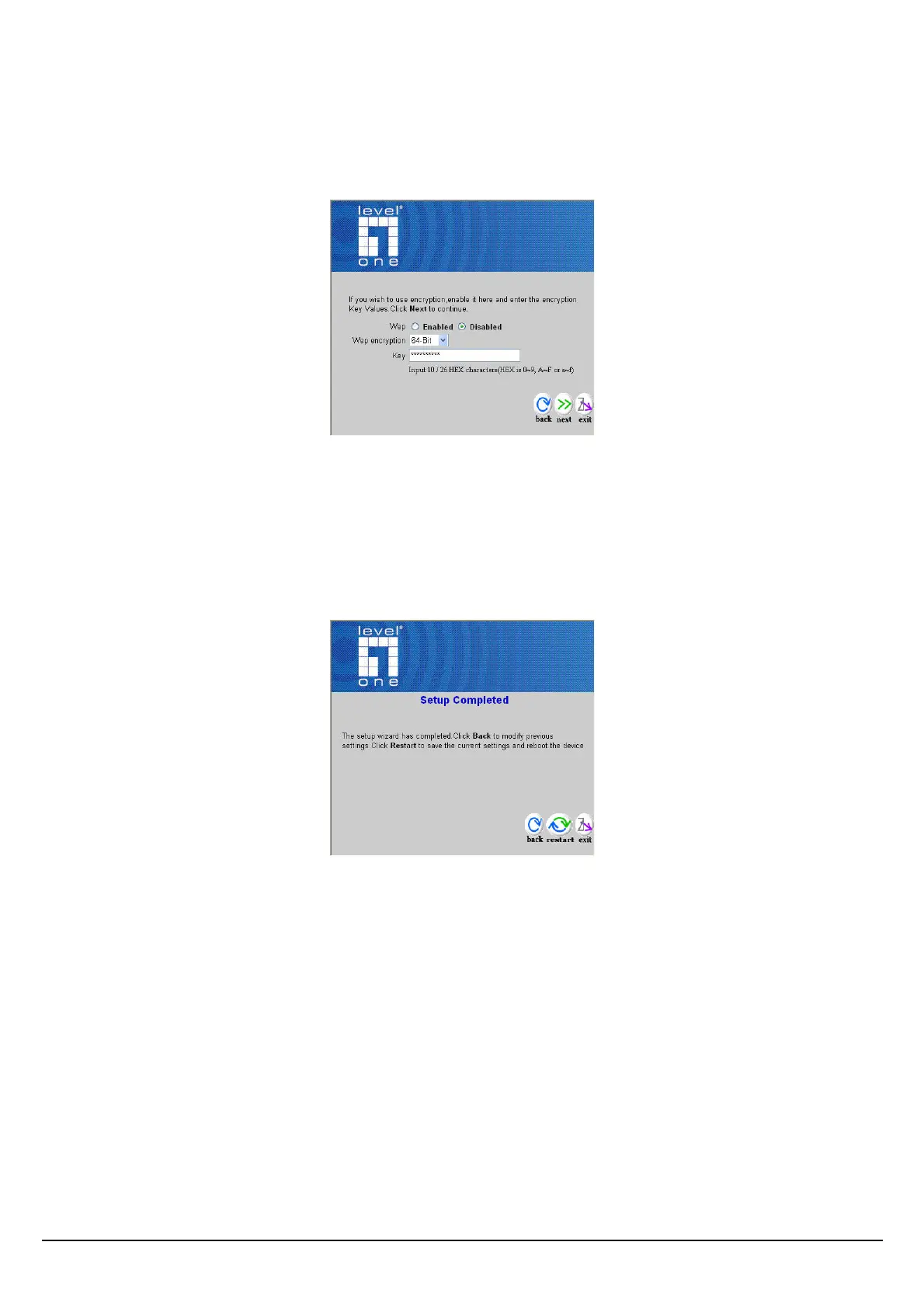
Step 3: Set WEP Encryption
If user wants to enable WEP, please click “Enabled”. Then, select the key size of WEP encryption
and enter the key value in the key text box. Please click “Next” to continue.
Step 4: Restart
The Setup wizard is now completed. The new settings will be effective after the Access Point
restarted. Please click “Restart” to reboot the Access Point. If user does not want to make any
changes, please click “exit” to quit without any changes. User also can go back to modify the setting
by clicking “back”.
9















 To Next Page