19
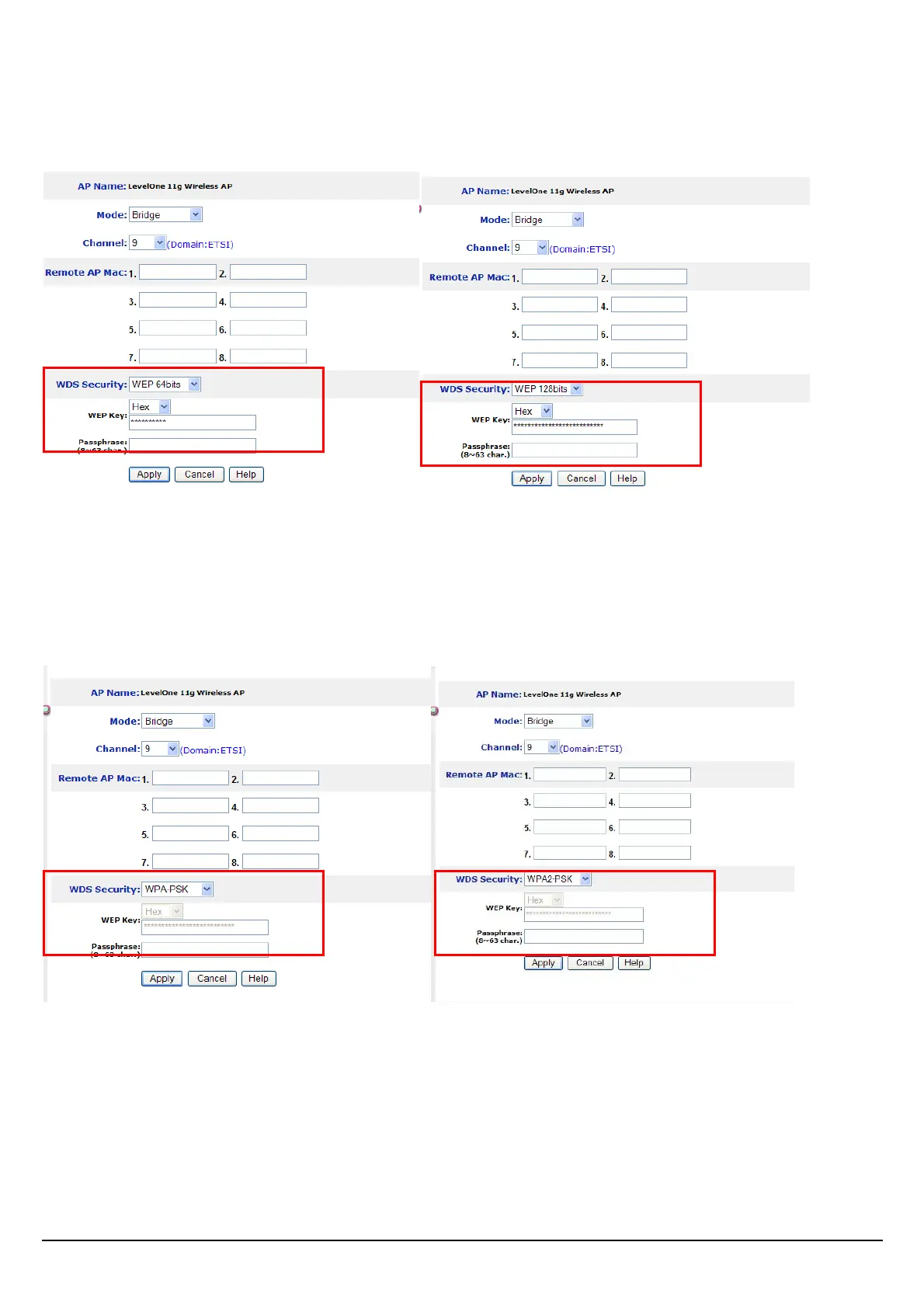
Note: When WEP security is enabled, all the wireless clients that wish to connect to the Access Point
must also have WEP enabled with the identical WEP Key value entered.
WPA-PSK / WPA2-PSK:
If WPA-PSK or WPA2-PSK is selected, user needs to set the key in the passphrase field as the
below screen. The key length should be 8 characters at least.
Apply: For the changes made to any of the items above to be effective, click “Apply”. The new
settings are now been saved to Access Point and will be effective once the Access Point restarts















 To Next Page