How do I connect router by using wireless?
1.How to start to use wireless?
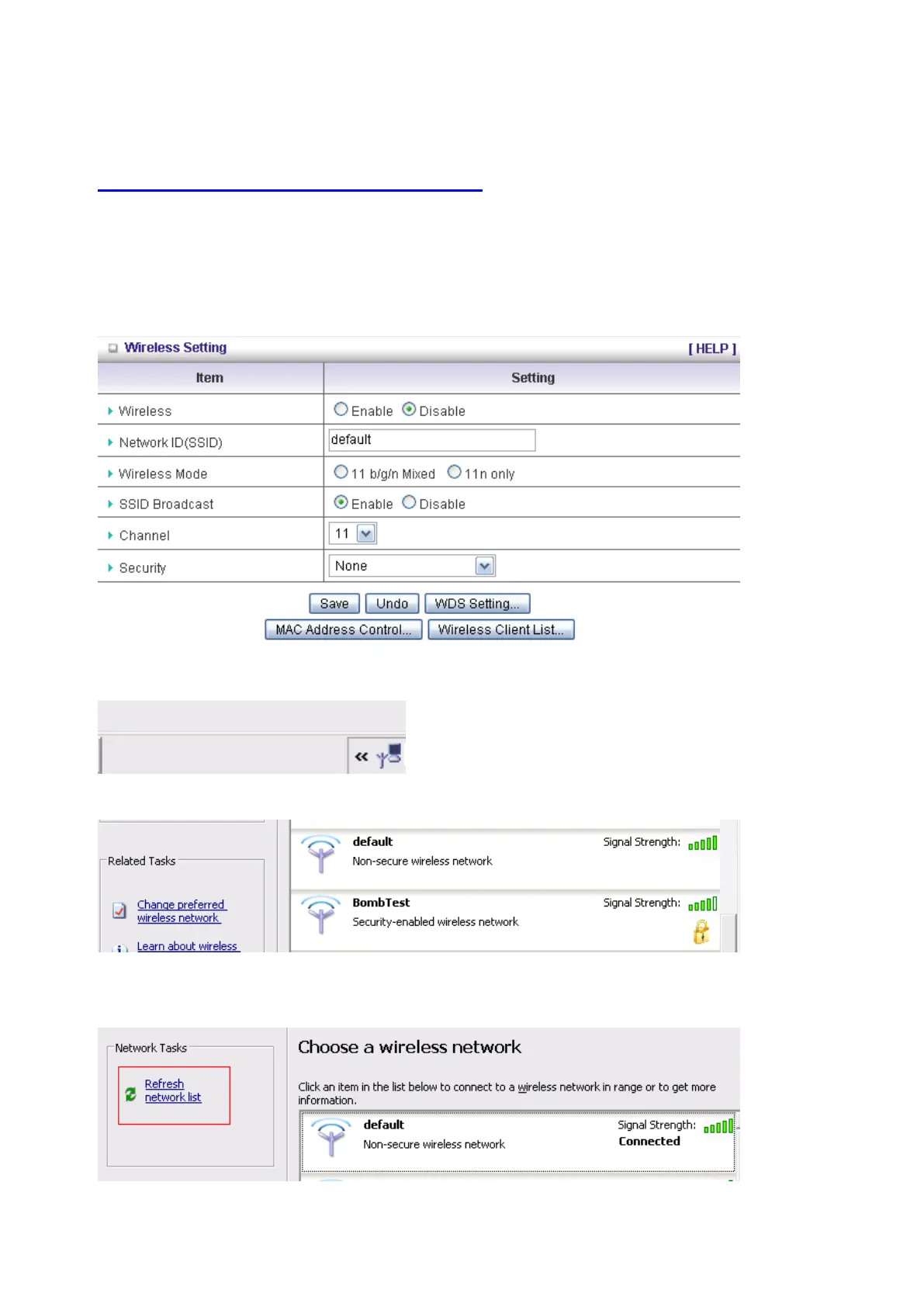
A: First, make sure that you already installed wireless client device in your computer. Then
check the Configuration of wireless router. The default is as below:
About wireless client, you will see wireless icon:
Then click and will see the ap list that wireless client can be accessed:
If the client can not access your wireless router, please refresh network list again. However, I
still can not fine the device which ssid is “default”, please refer to Q3.















 To Next Page