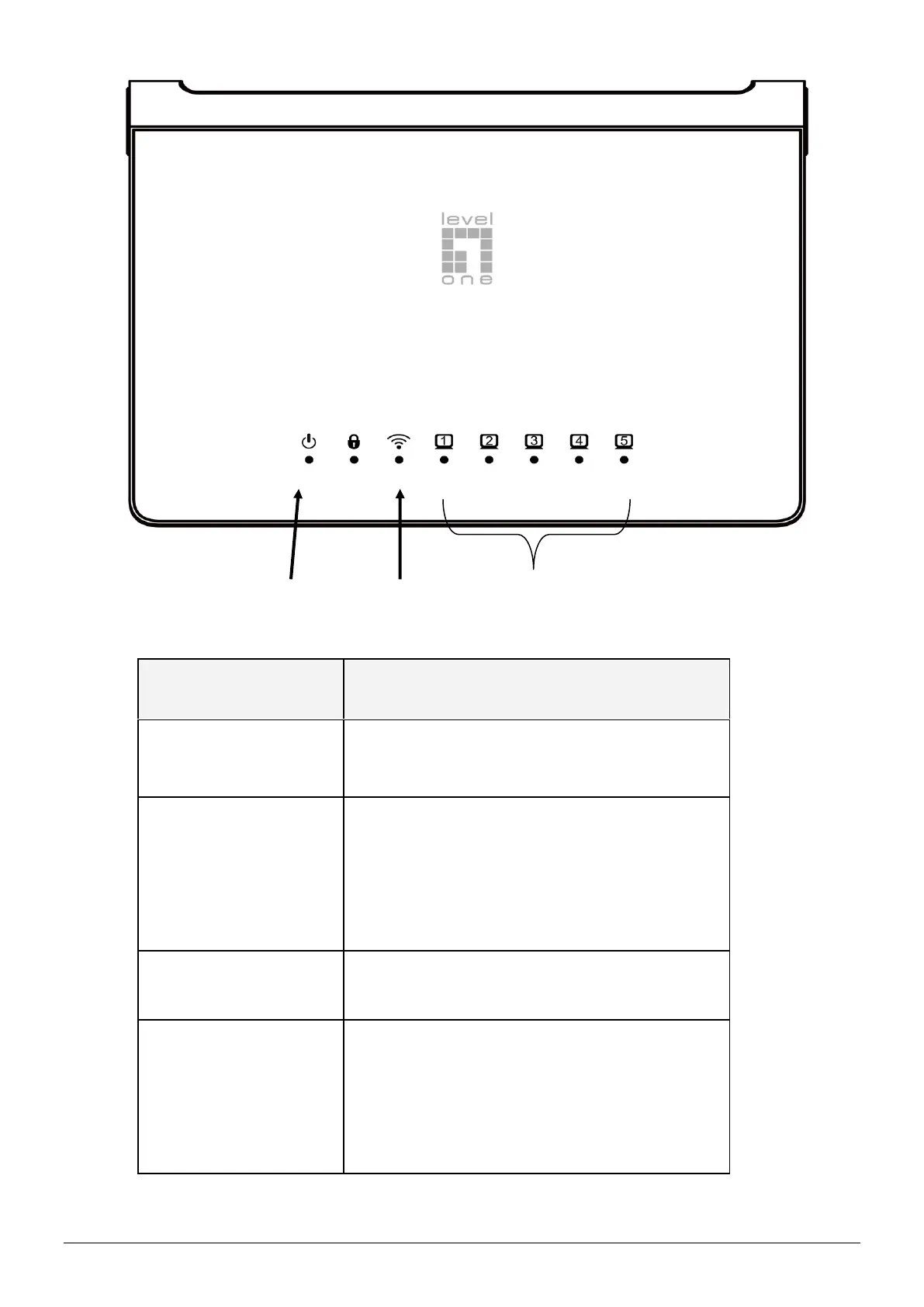
The Device is powered LED will be on
when AP is powered on.
When there are devices normally
connected to port, the port
corresponding indicator light will be
on.
Link/Act LED will blink when there is
traffic on that port
The LAN port is used to connect to
network devices, such as a switch.
With the AP powered on, press the
Reset button with a bent paperclip for
5 seconds until the Link/Act LED
goes off. The AP Will restart itself and
reset the device to factory default
settings.















 To Next Page