Power on the Device.
To power on the WAP-6015 / WAP-6016 / WAP-6113 / WAP-6115, you can use one of
the following methods:
1. Connect the supplied power adapter,
2. Plug one end of your Ethernet cable into the LAN port of the WAP-6015 /
WAP-6016 / WAP-6113 / WAP-6115, and the other end into a port on a switch.
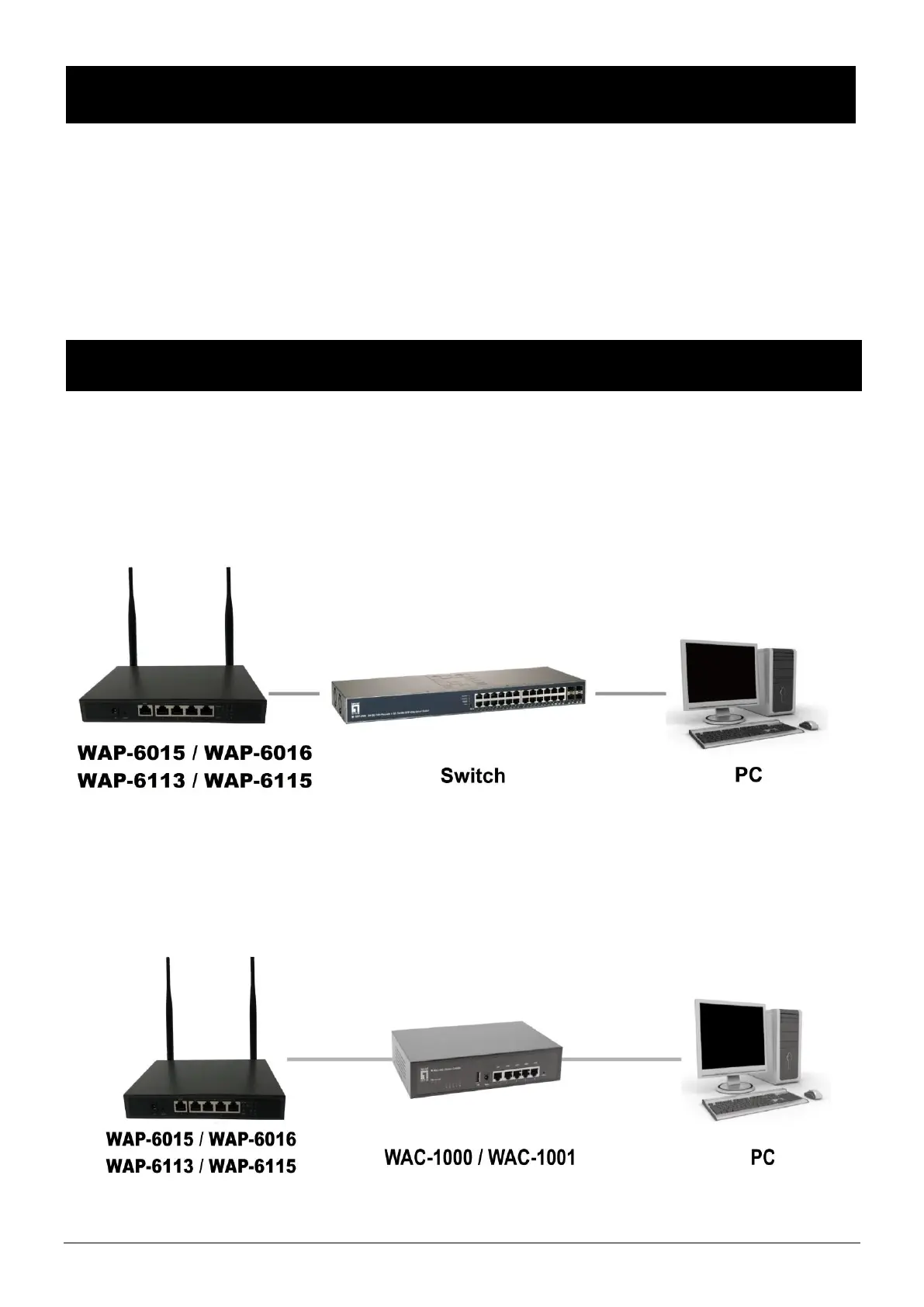
To set up and manage the WAP-6015 / WAP-6016 / WAP-6113 / WAP-6115 you can use
one of the following methods:
1. Connect the access point and your computer to the same switch or router.
Manage the access point from the computer. (for FAT AP Mode)
2. Connect the access point to a WAC-1000/WAC-1001. Connect your computer to
the same network as that of the WAC-1000/WAC-1001. Manage the access point from
the computer via the WAC-1000/WAC-1001-1001.(for FIT AP Mode)















 To Next Page