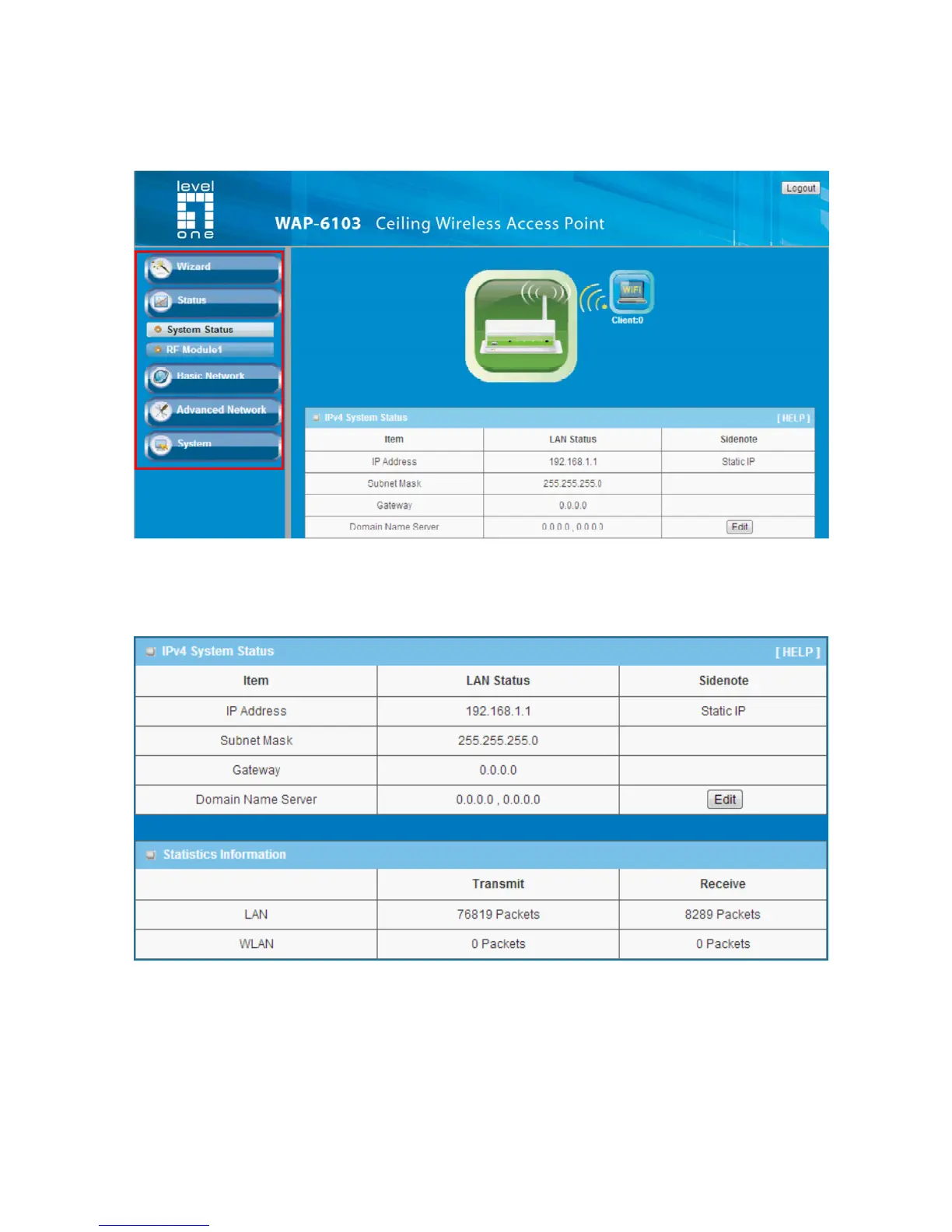
Afterwards, you can go Wizard, Basic Network, Advanced Network, Application or
System respectively on left hand side of web page.
Note: You can see the Connection Status screen below after you logged in.
Note : You can see all the status of this device in the ‘Status’ main menu section.















 To Next Page