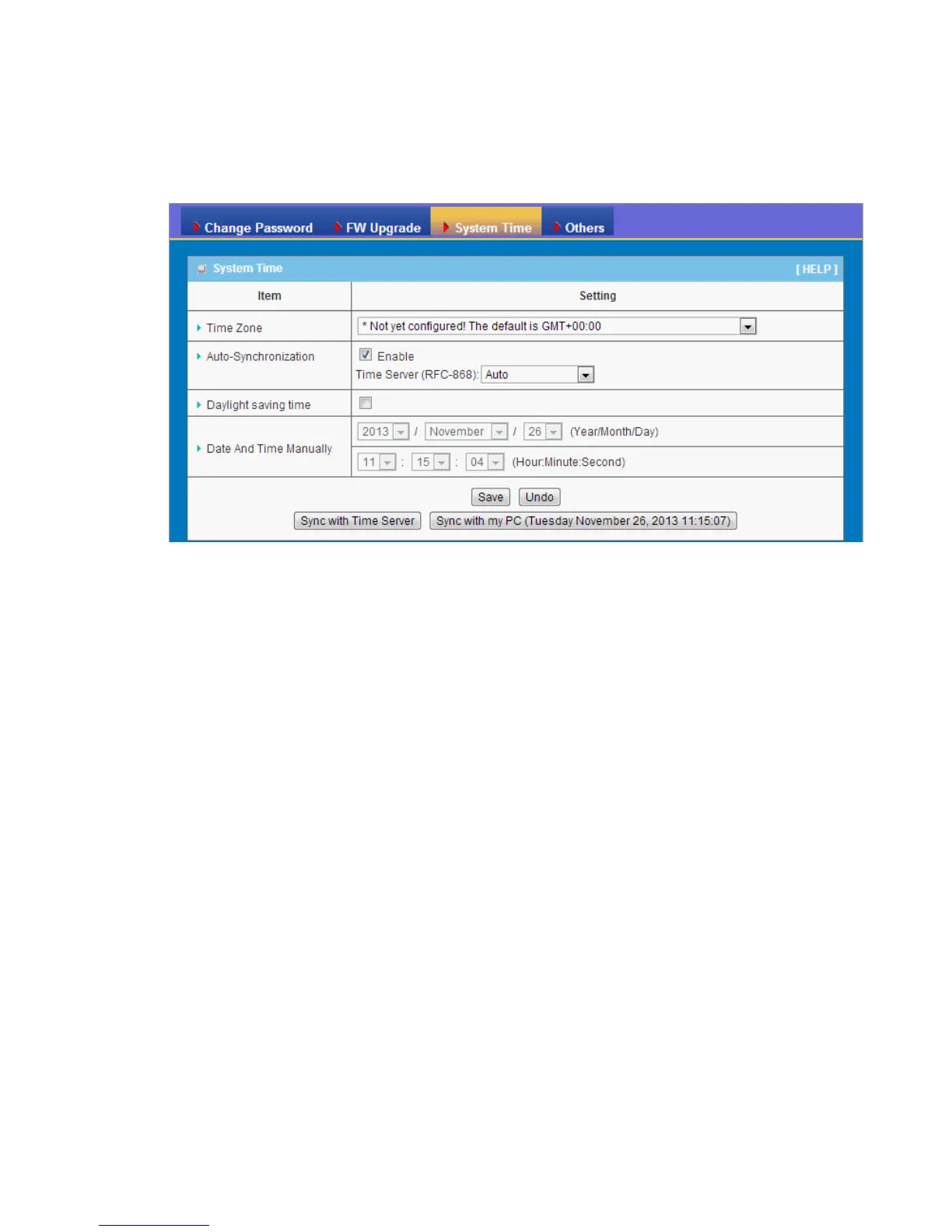
3.3.3.3 System Time
If new firmware is available, you can upgrade device firmware through the WEB GUI
here.
1. Time Zone: Select a time zone where this device locates.
2. Auto-Synchronization: Check the “Enable” checkbox to enable this function.
Besides, you can select a NTP time server to consult UTC time.
3. Sync with Time Server: Click on the button if you want to set Date and Time by
NTP Protocol.
4. Sync with my PC: Click on the button if you want to set Date and Time using the
PC’s Date and Time.
Afterwards, click on “Save” to store your settings or click “Undo” to give up the
changes.















 To Next Page