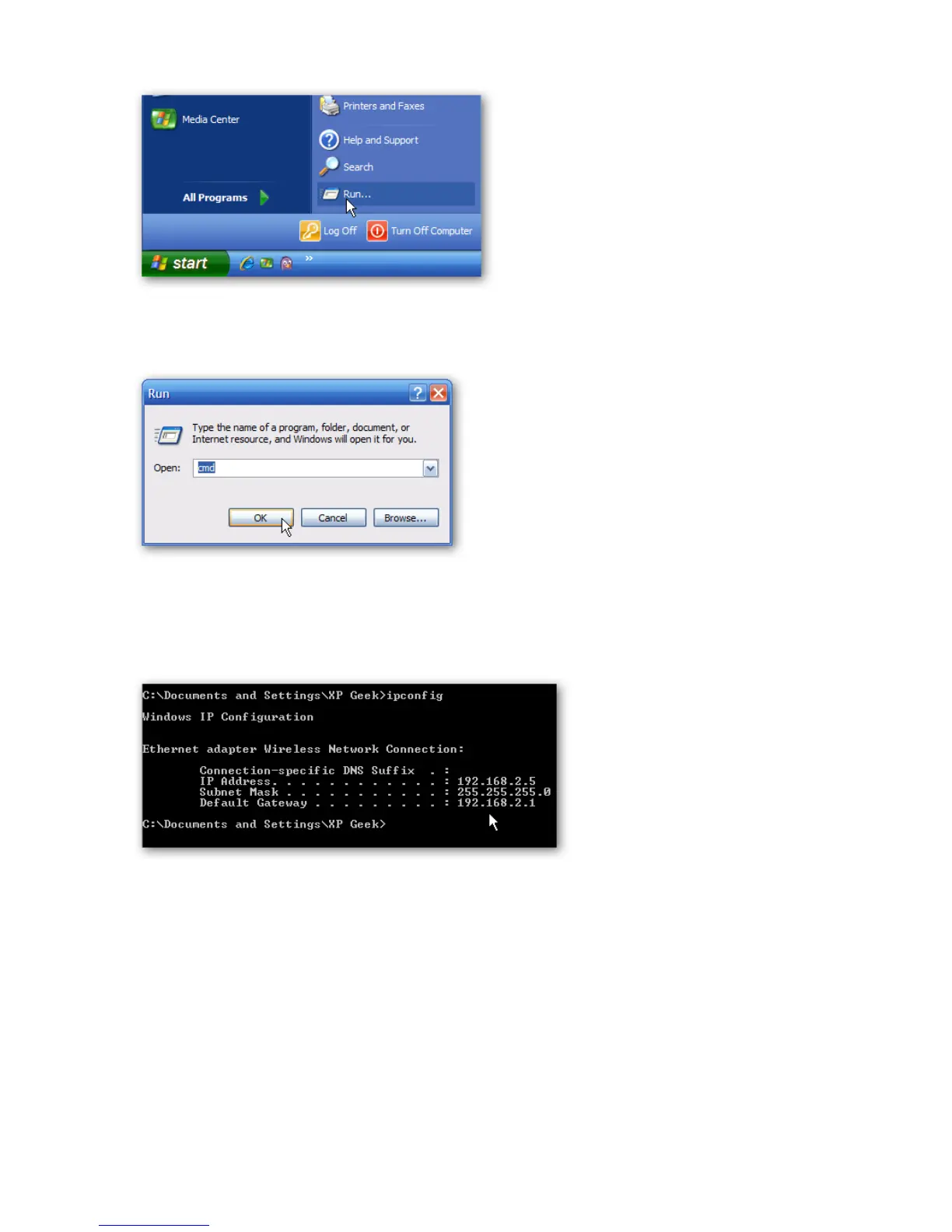
In the Run box type in cmd and click OK.
Then at the prompt type in ipconfig and hit Enter. This will show the IP address for the
network adapter you changed.
If you have a small office or home network, assigning each computer a specific IP address
makes it a lot easier to manage and troubleshoot network connection problems.
[Source: How to Assign a Static IP Address in Windows 7, 8, XP, or Vista;
http://www.howtogeek.com/howto/19249/how-to-assign-a-static-ip-address-in-xp-vista-or-windows-7/]















 To Next Page