12
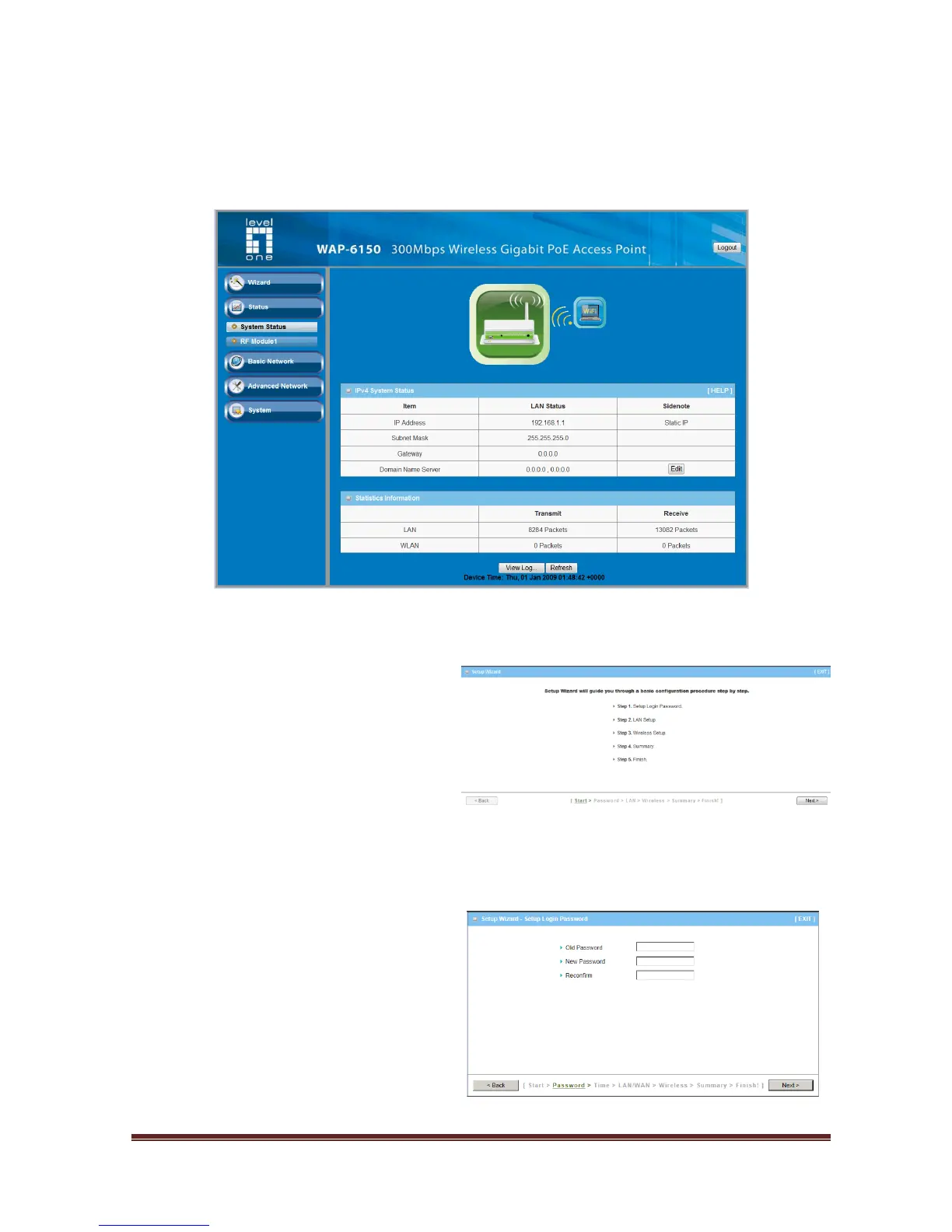
Select “Wizard” for basic settings in a simple way.
Or, you can go to Basic Network / Advanced Network / Applications / System to setup
the configuration by your own selection.
Press “Next” to start the Setup Wizard.
Configure with the Setup Wizard
Step 1
You can change the password of
administrator here.















 To Next Page