32
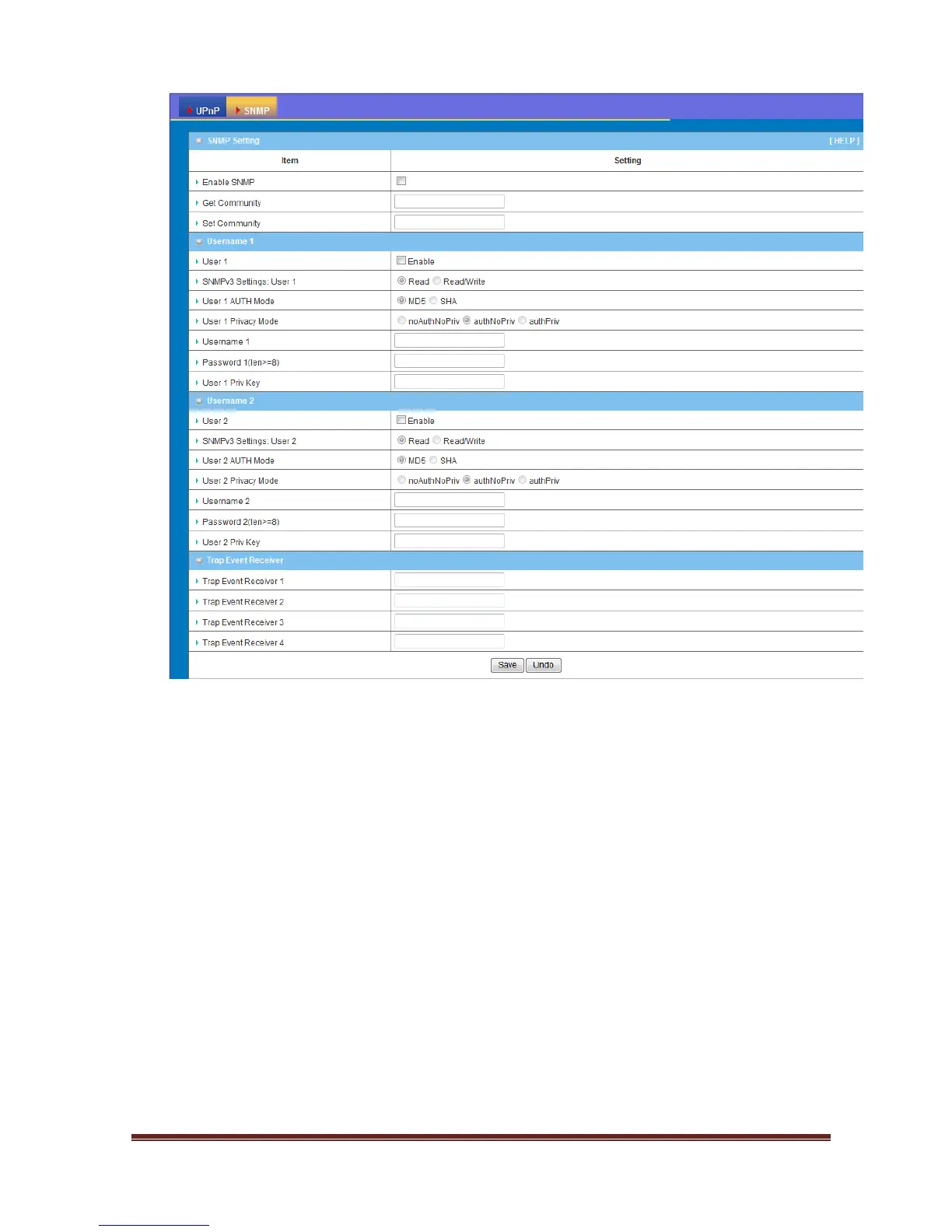
1. Enable SNMP: Enable this Function.
2. SNMP Version: Supports SNMP V1, V2c, and V3.
3. Get Community: The community of GetRequest that this device will respond.
This is a text password mechanism that is used to weakly authenticate queries to
agents of managed network devices.
4. Set Community: The community of SetRequest that this device will accept.
5. SNMPv3 Settings: User 1/2: This device supports up to two SNMP
management accounts. You can specify the account permission as “Read” or
“Read/Write” respectively.
6. User 1/2 AUTH Mode: Select MD5 or SHA as the method of password
encryption for the specified level of access, or to disable authentication.
7. User 1/2 Privacy Mode: You can configure the SNMP privacy mode. There are
three modes for you to choose: “noAuthNoPriv” for both authentication and
private key are not required, “authNoPriv” for no private key required, and















 To Next Page