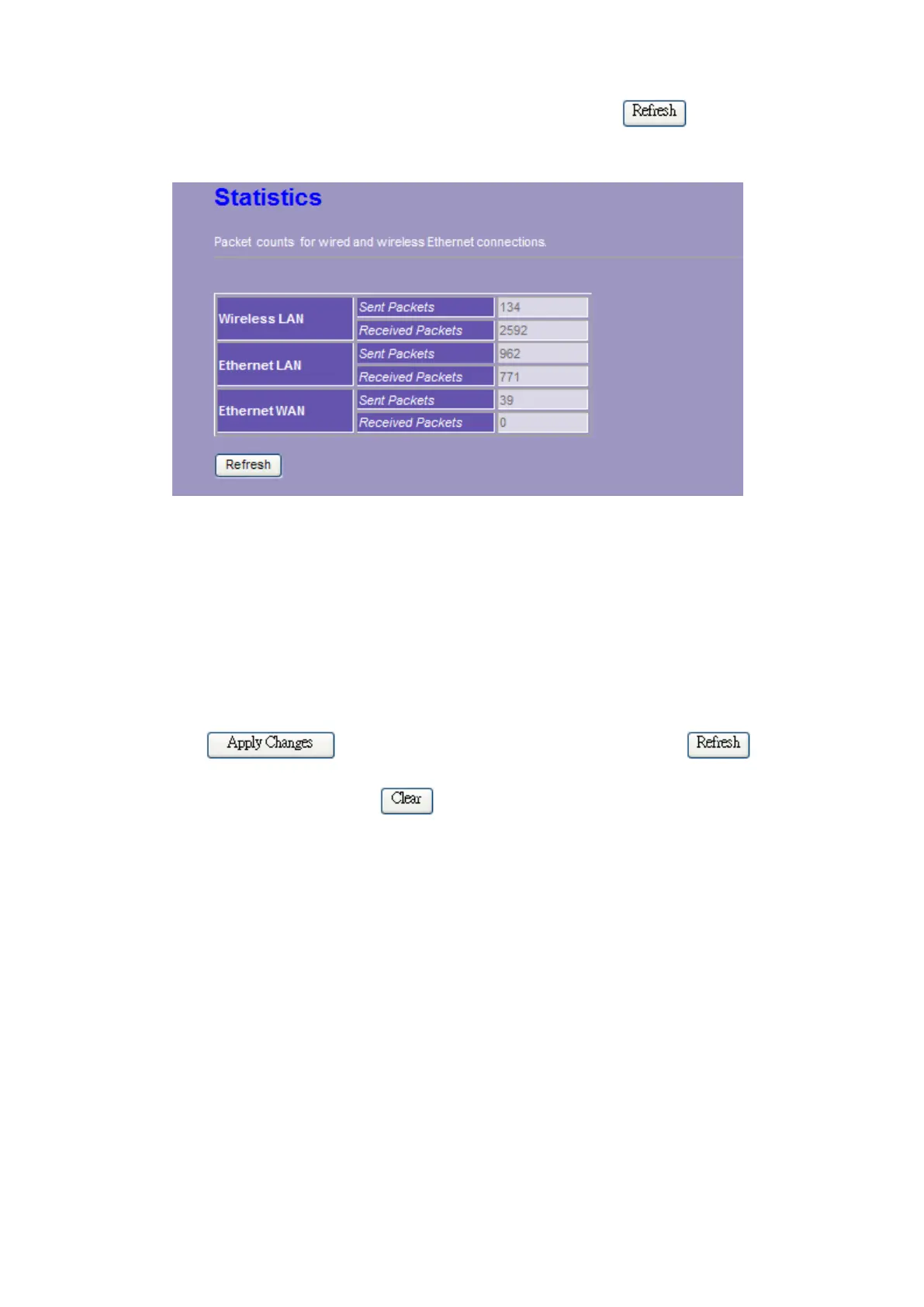
including receiving and sending packets. To see the latest report, click button.
3.7.3 Log
This System Log page shows the information of the current activities on the router. To enable
system log function:
1. Mark the “Enable Log” checkbox.
2. To see all information of the system, select the “system all” checkbox.
To see wireless information only, select the “wireless” checkbox.
3. Click the
button to activate. You could also click the button to
refresh the log information or click the
button to clean the log table.















 To Next Page